New article
Recently updated
Changing the Incident Location

Who is this article for?Users responsible for managing Incident records.
Move Incident permissions for the Incident Type are required.
When raising an Incident, you will be asked to specify which Location it's relevant to. This article shows you how to move an Incident from one Location to another in case of an error.
1. Prerequisites
Incidents can be moved only if the following criteria have been met:
- Location should be a US location.
- Location should not be a mine location.
- Investigation section has not been started.
- Claim status should be Not Submitted, irrespective of whether the Claim form is complete or incomplete.
- Case status should be Open, irrespective of if there is a case progress available or not.
2. Moving an Incident
To move an Incident:
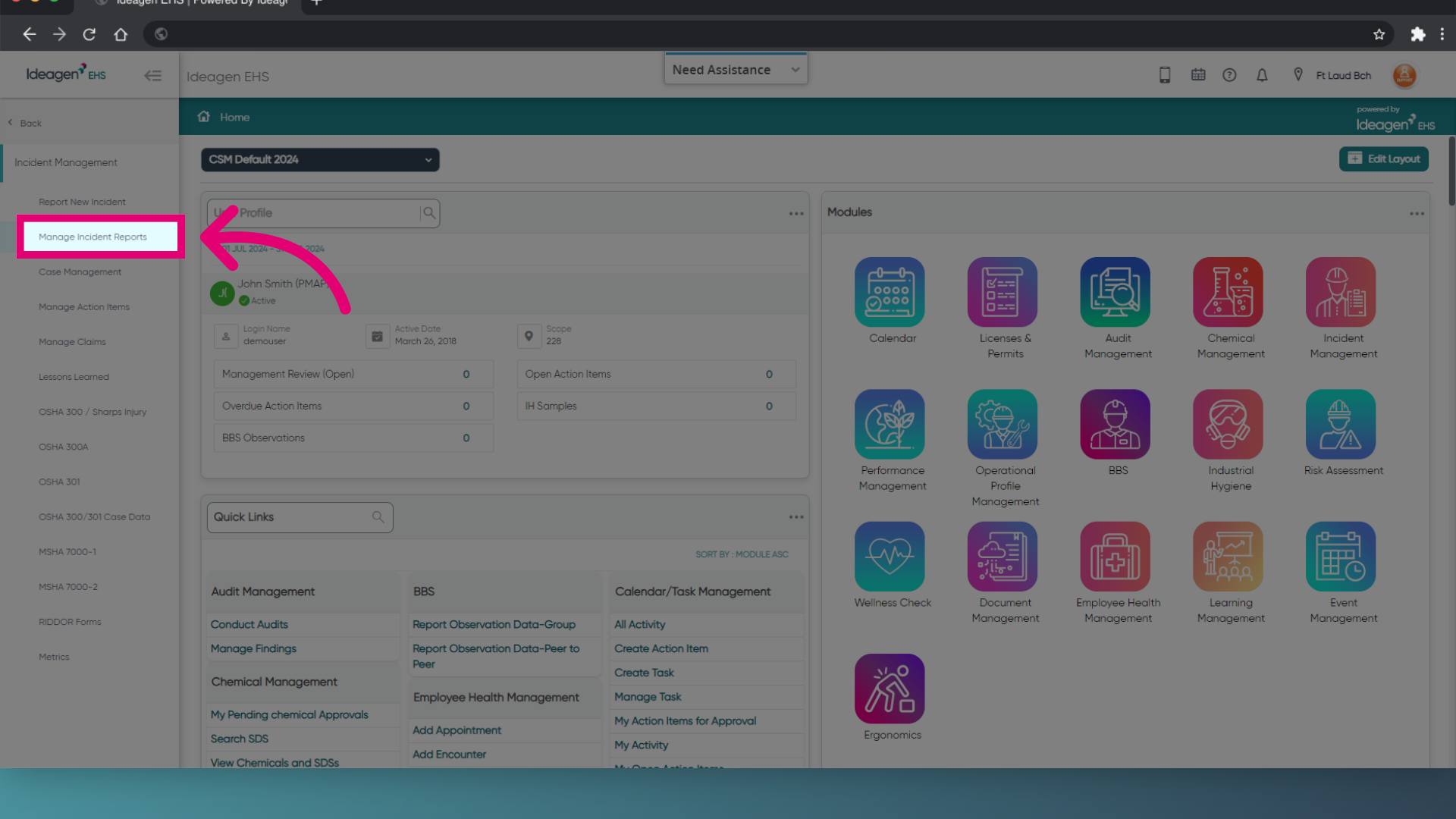
- Open Modules.
- Select Incident Management.
- Choose Manage Incident Reports.
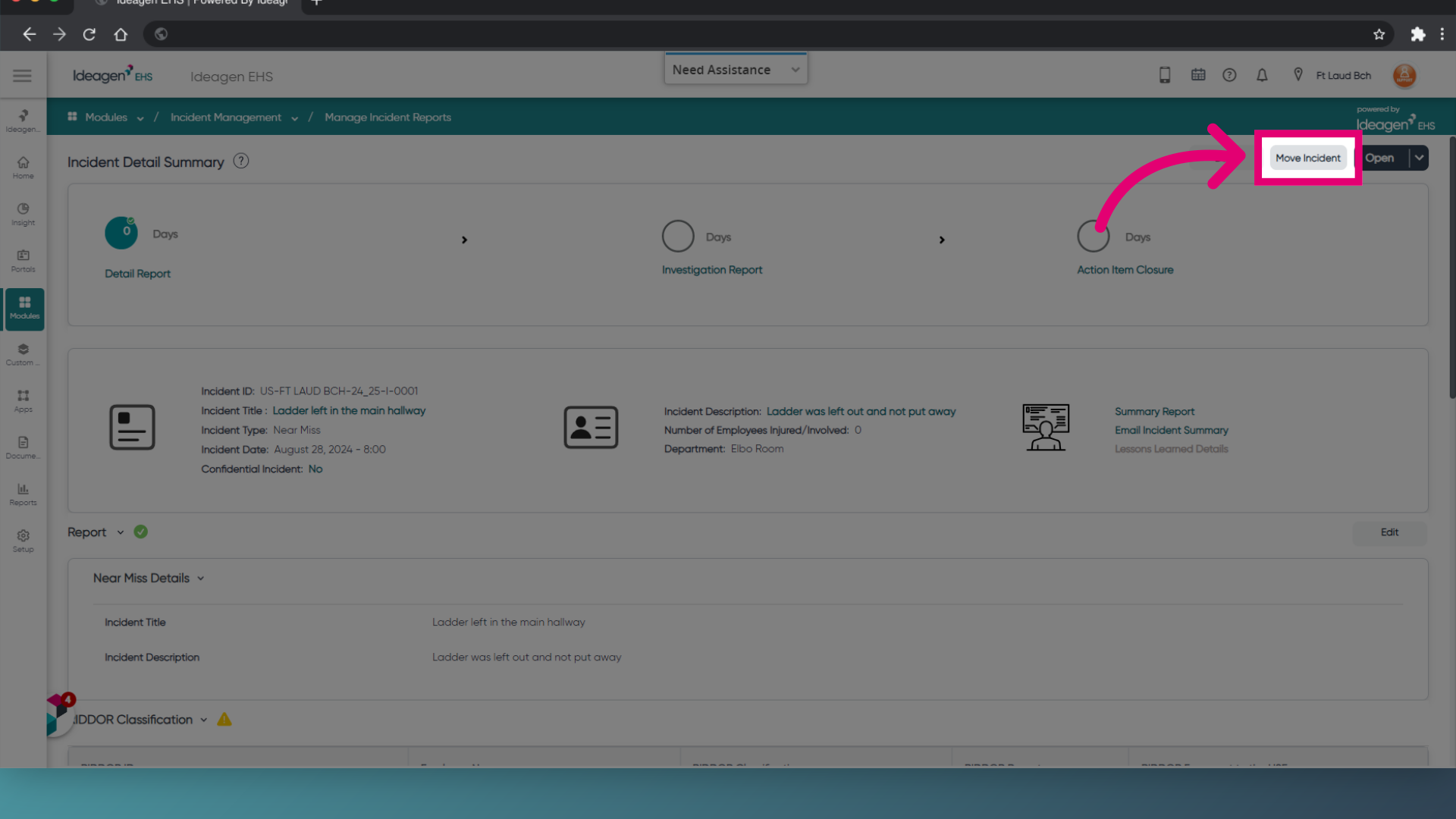
- Open the Incident.
- Click Move Incident.
- Find the correct Location.
- Click Move Incident.
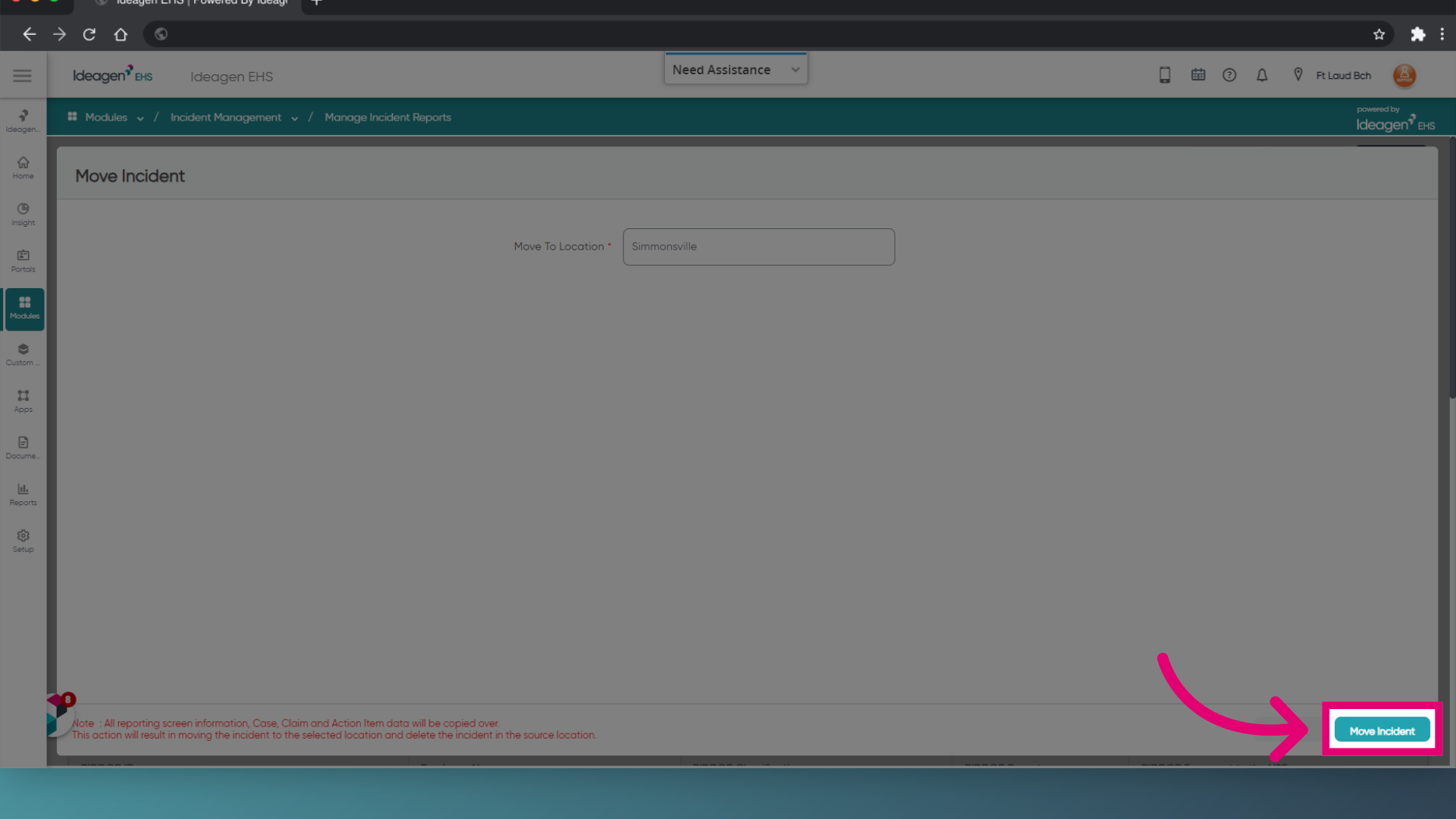
You will be taken to the Incident Details screen where you can update Location-specific fields.
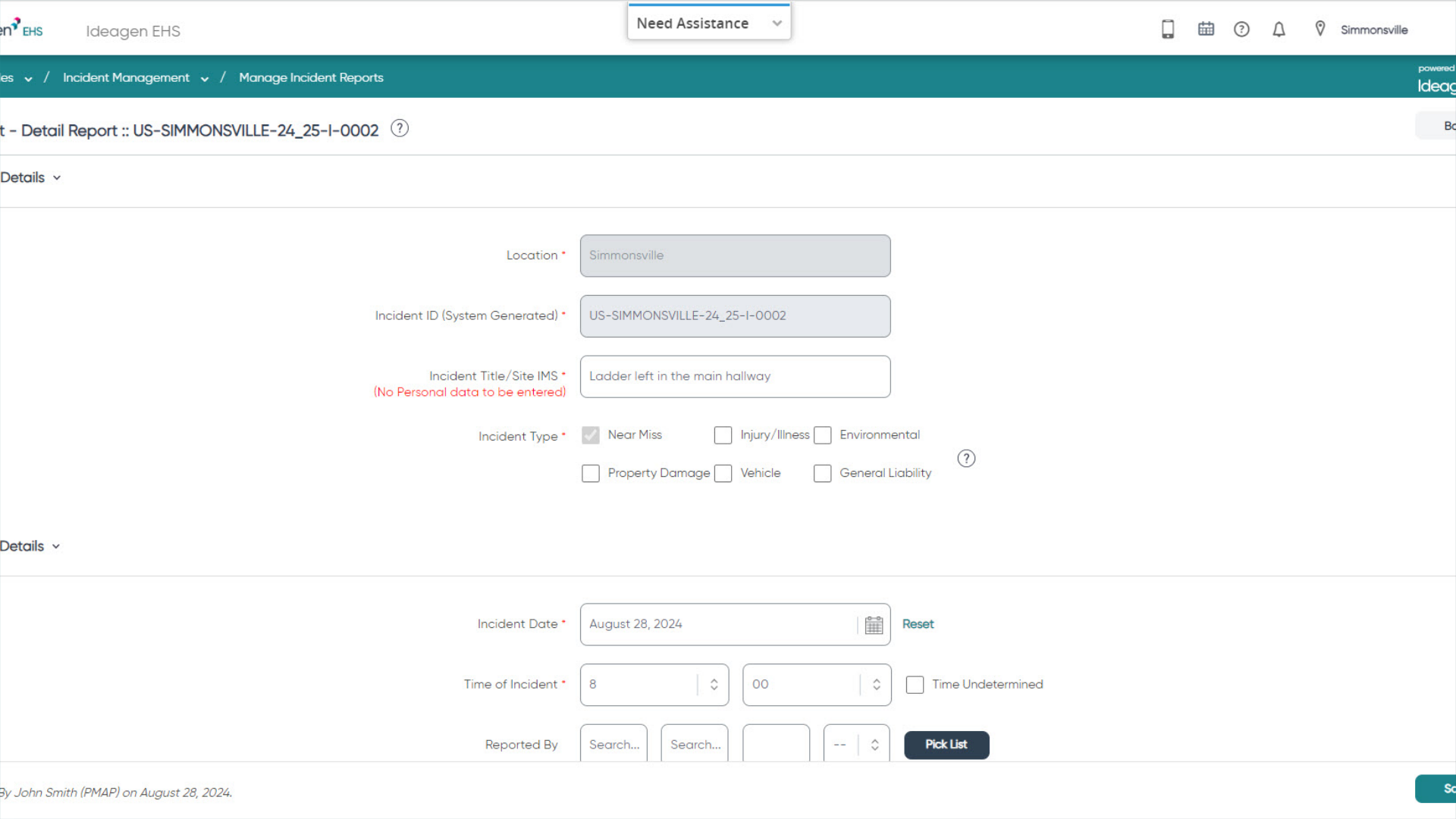
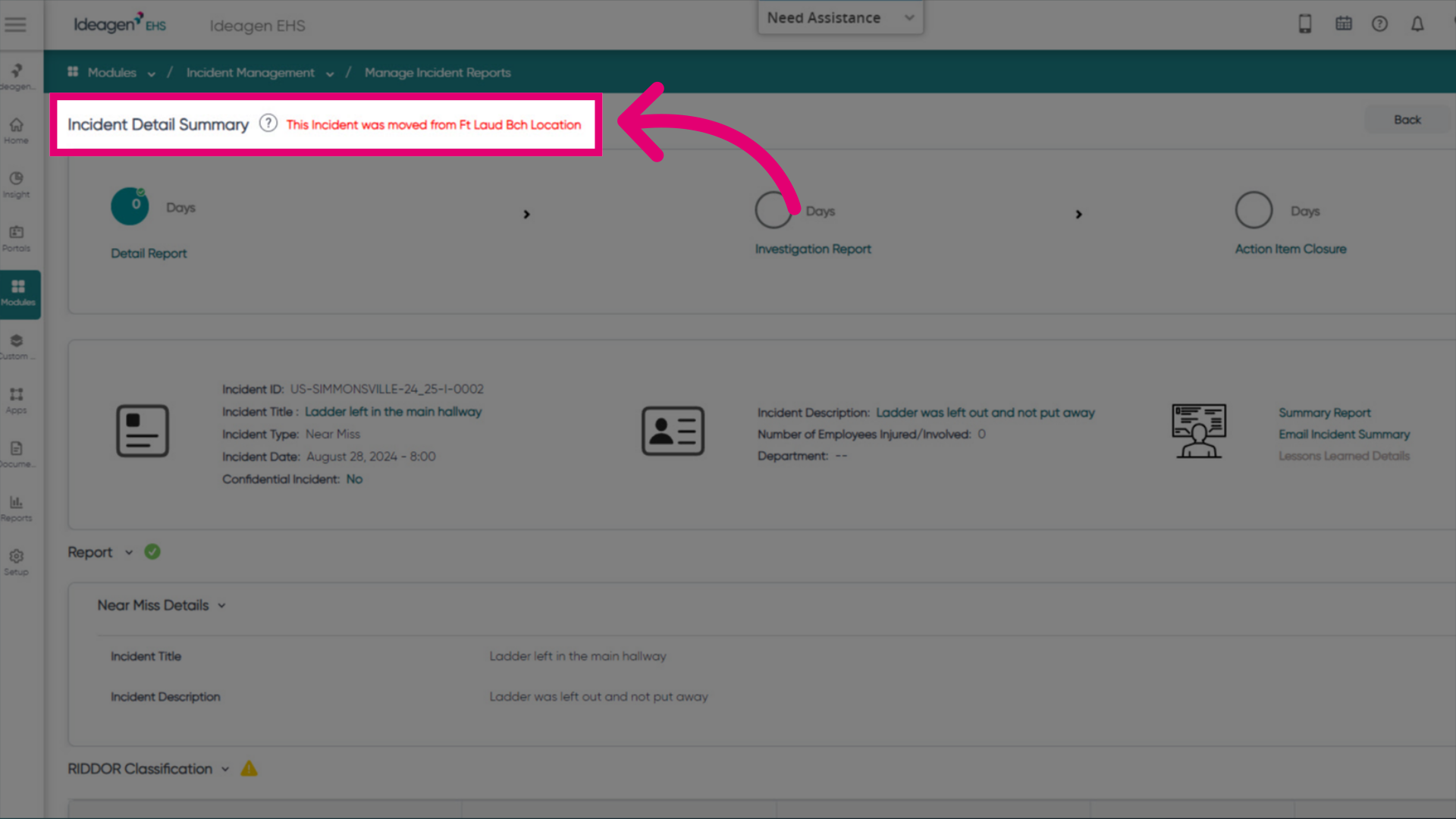
To view the original Location information, visit the Incident Detail Summary.
At the top of the incident summary page, there will be a notification showing which location the incident was moved from.