New article
Recently updated
Creating a Training record from a Document acknowledgement

To improve tracking of Document acknowledgements within your organisation, you can use the integration with Learning Management to create a Training history record each time a Document is released for acknowledgement.
This integration can be enabled in the Foundation module by Administrators.
This article shows you how you can create and check the Training records created this way.
1. Creating Training records
To create a Training record from an acknowledgement:
- Access the Documents module.
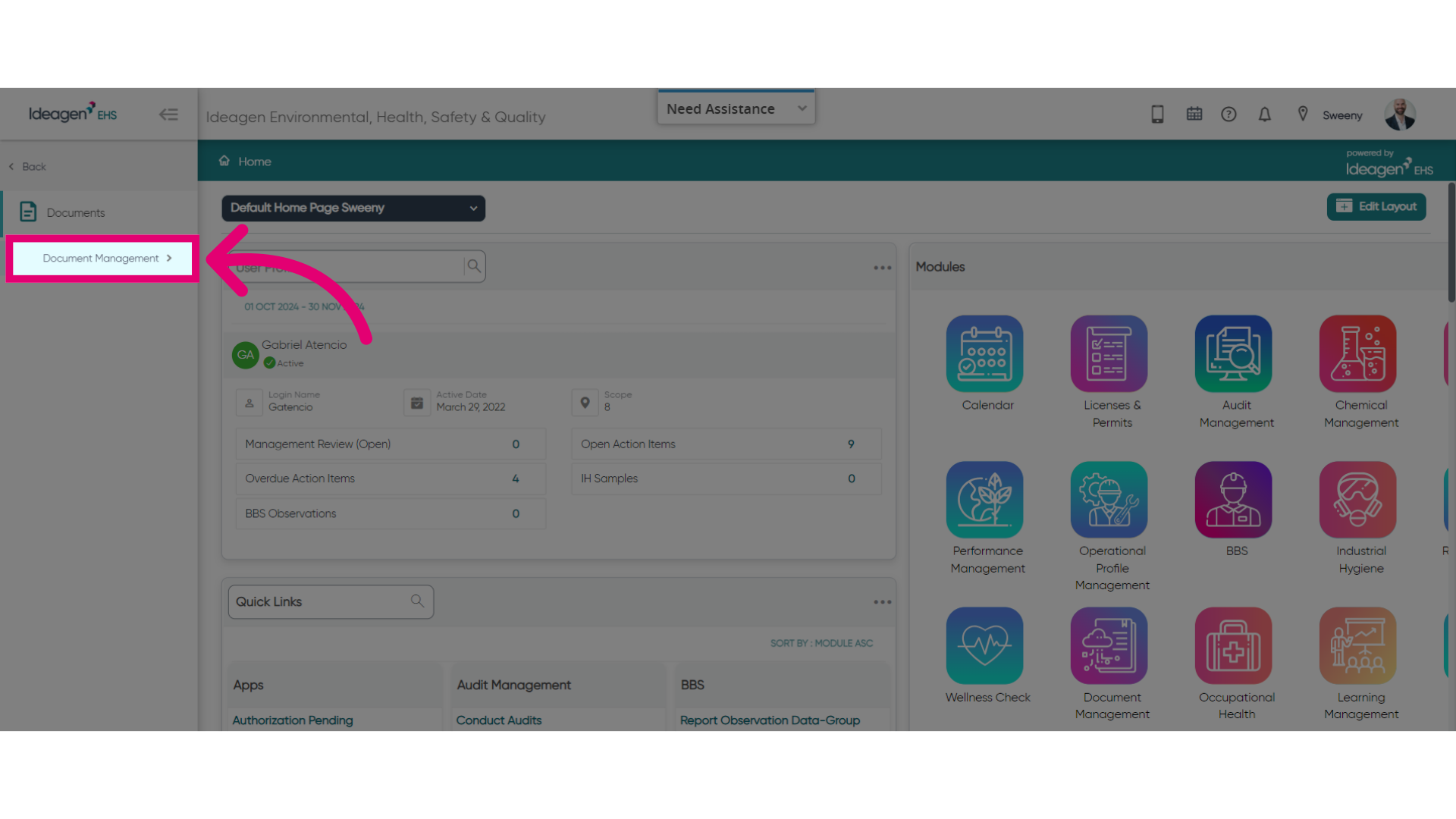
- Select Document Management.
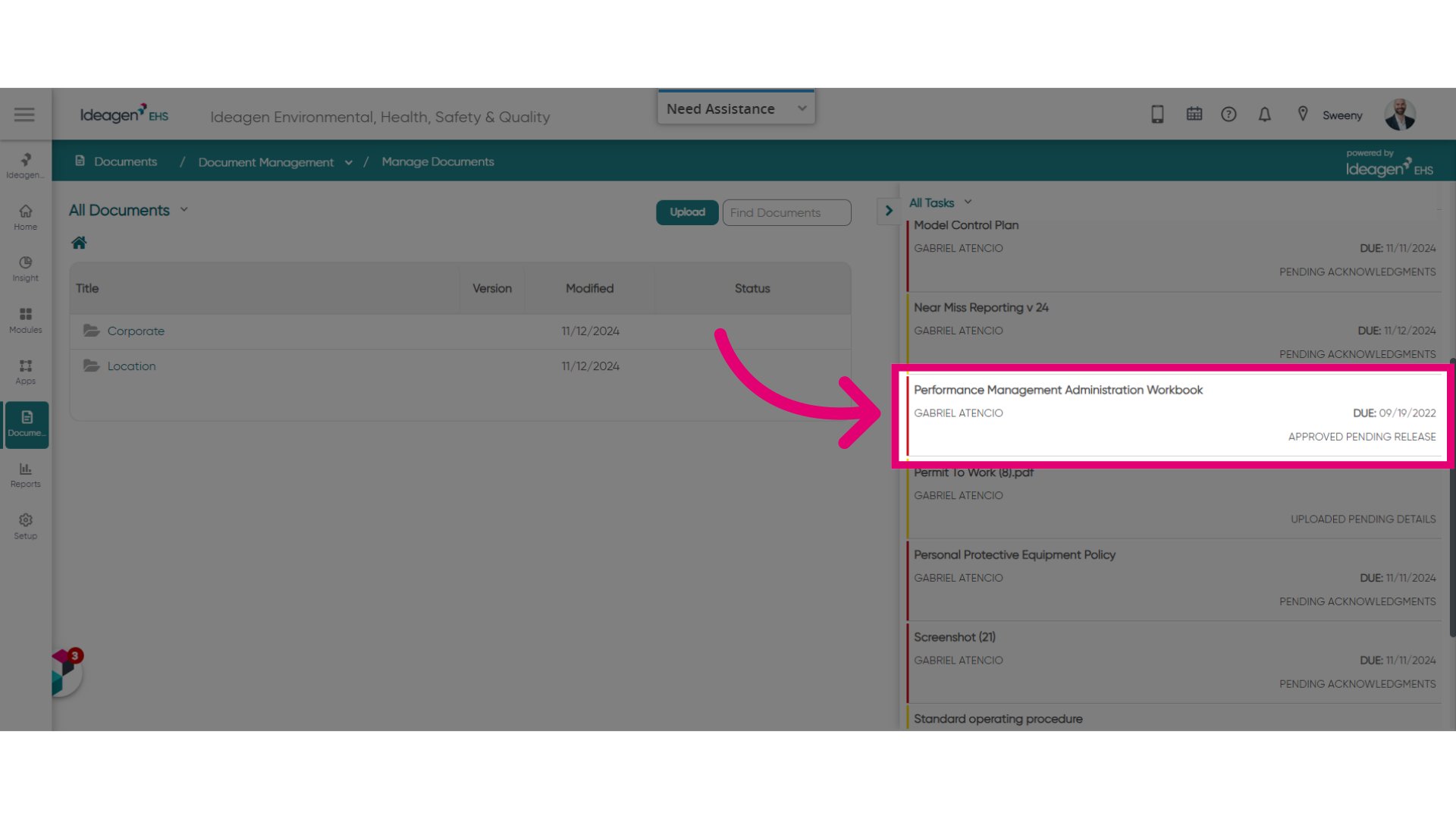
- Open a Document.
It needs to be in the Approved Pending Release status.
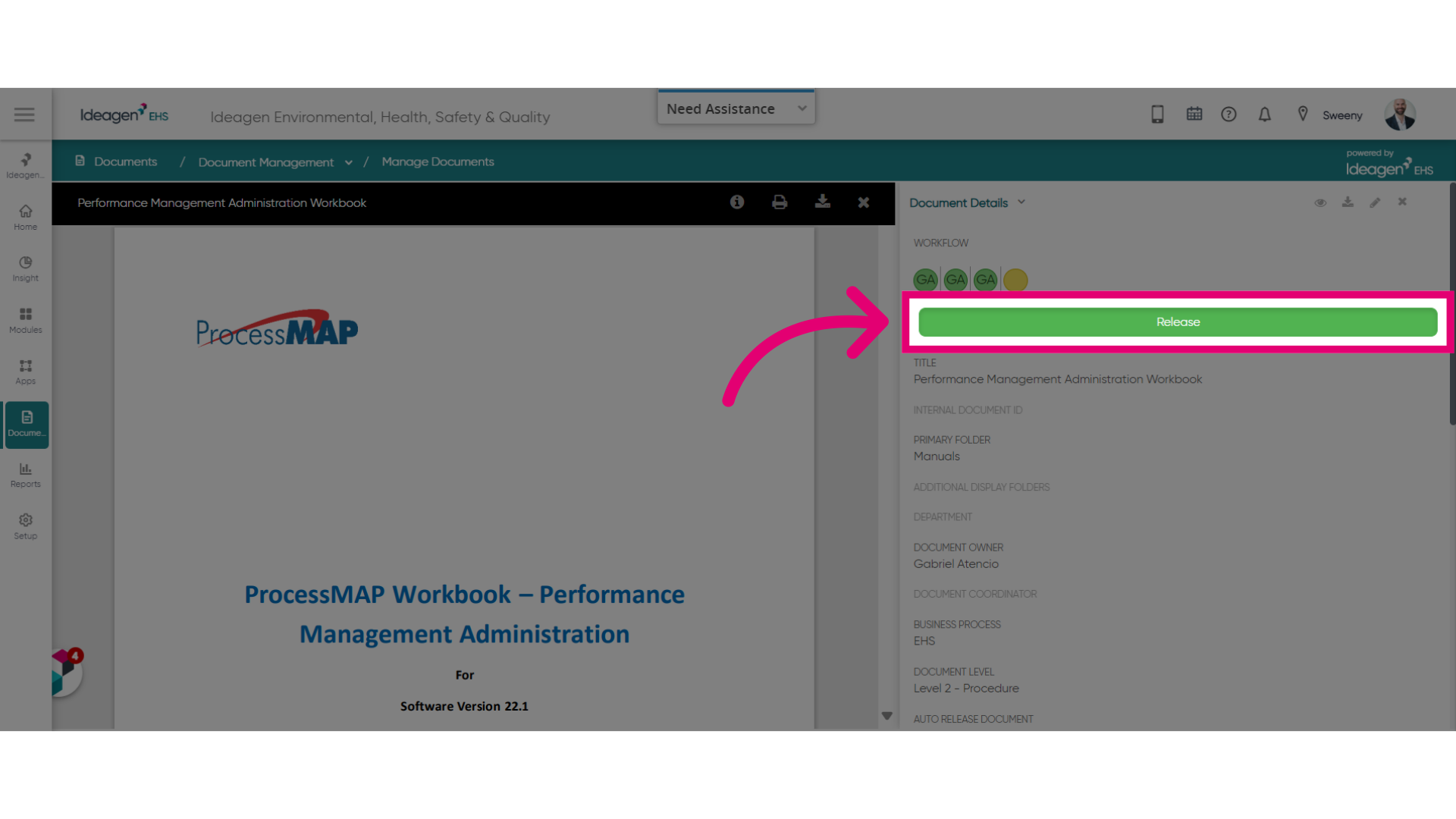
- Click Release.
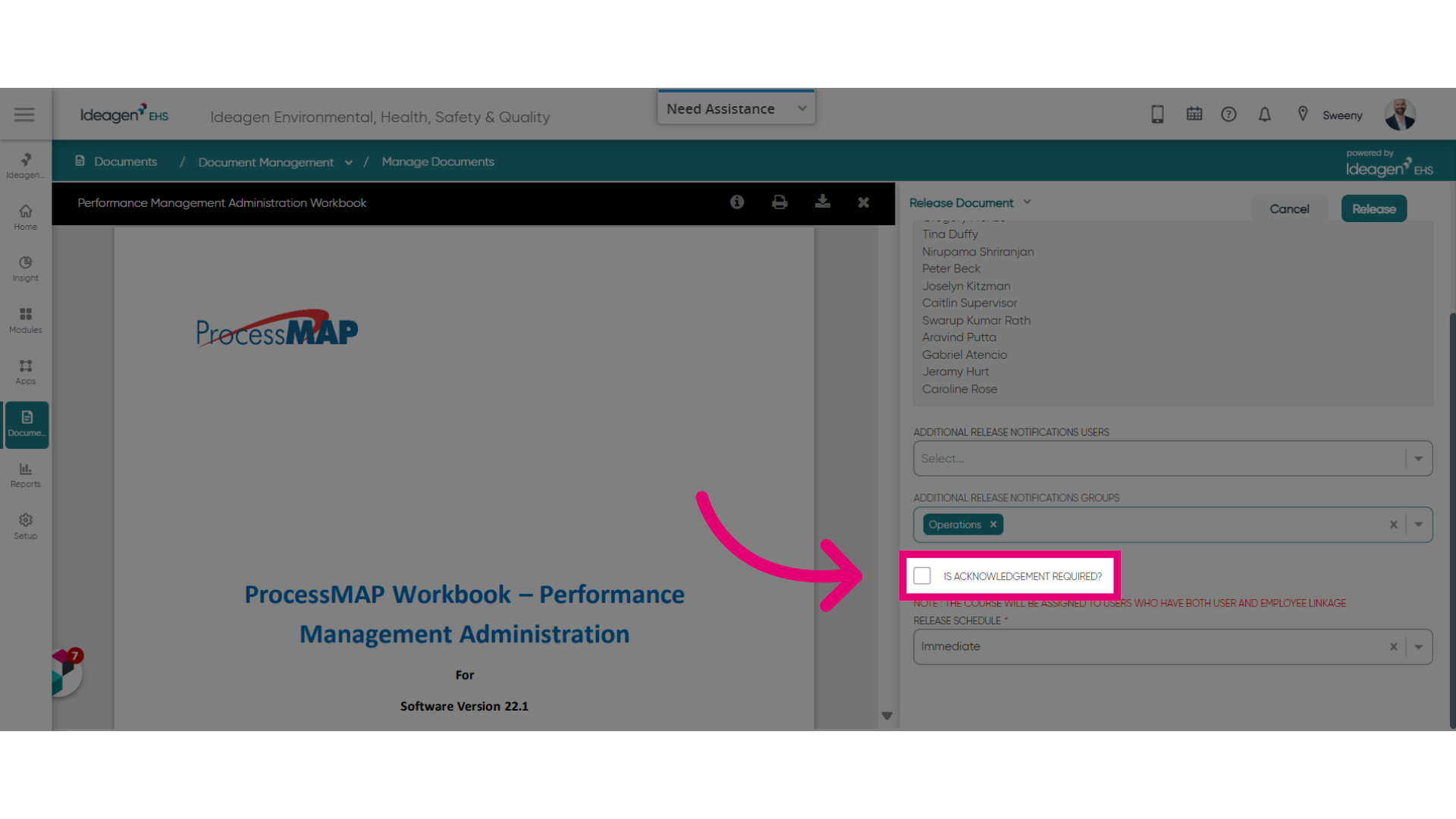
- Tick the Is acknowledgement required? box.
- Confirm the distribution list.
- Set the Due Date.
- Click Release.
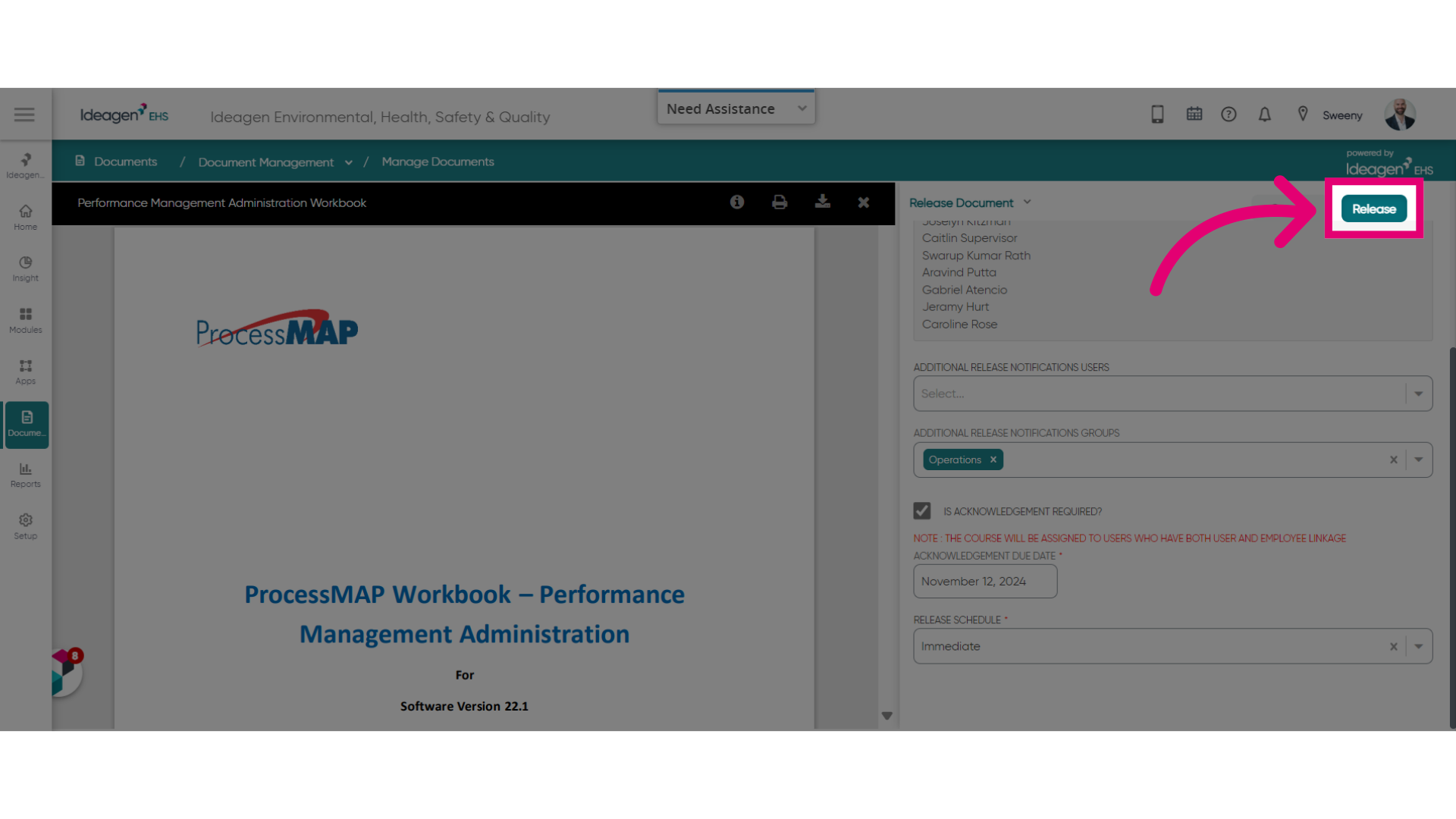
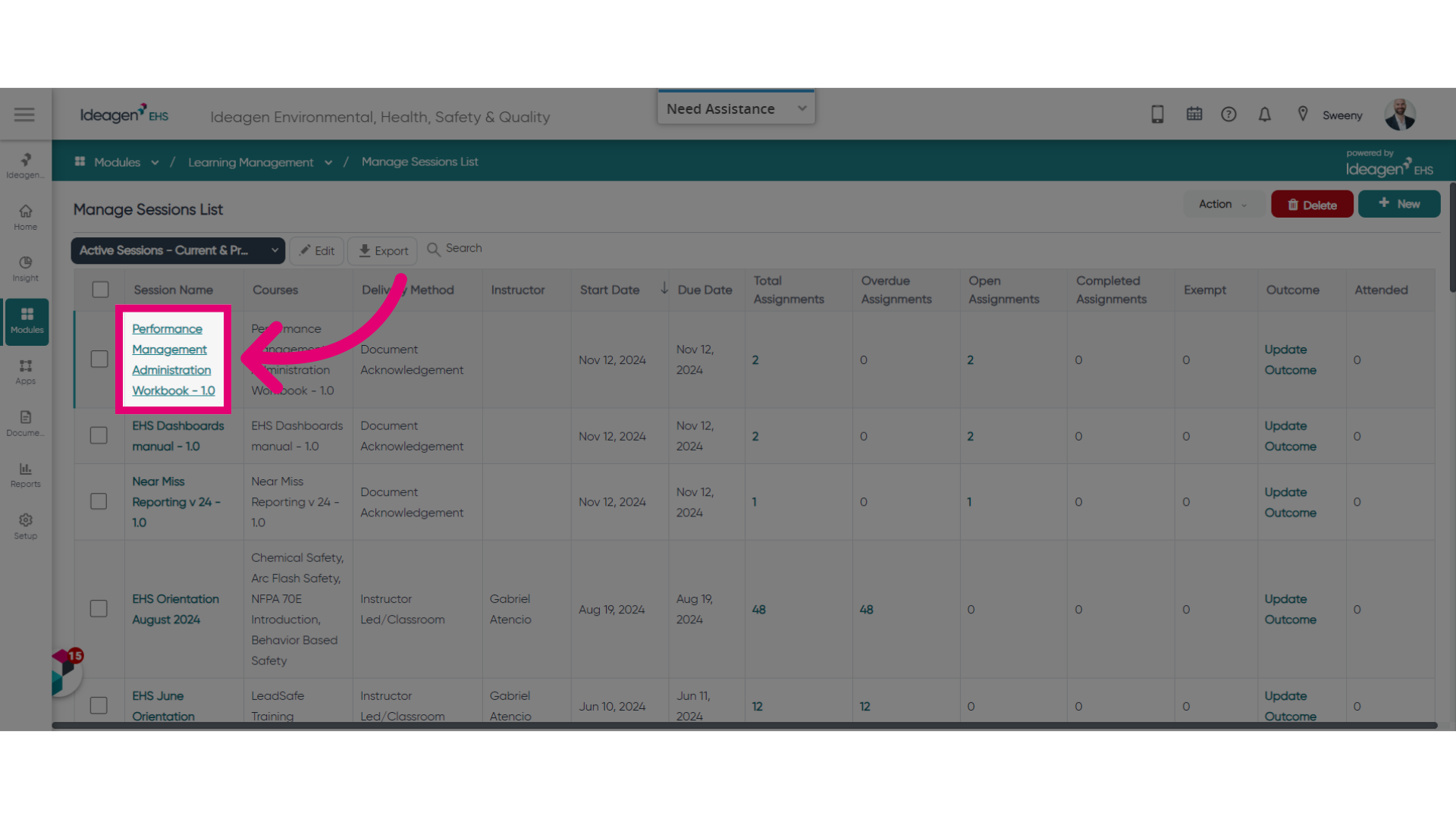
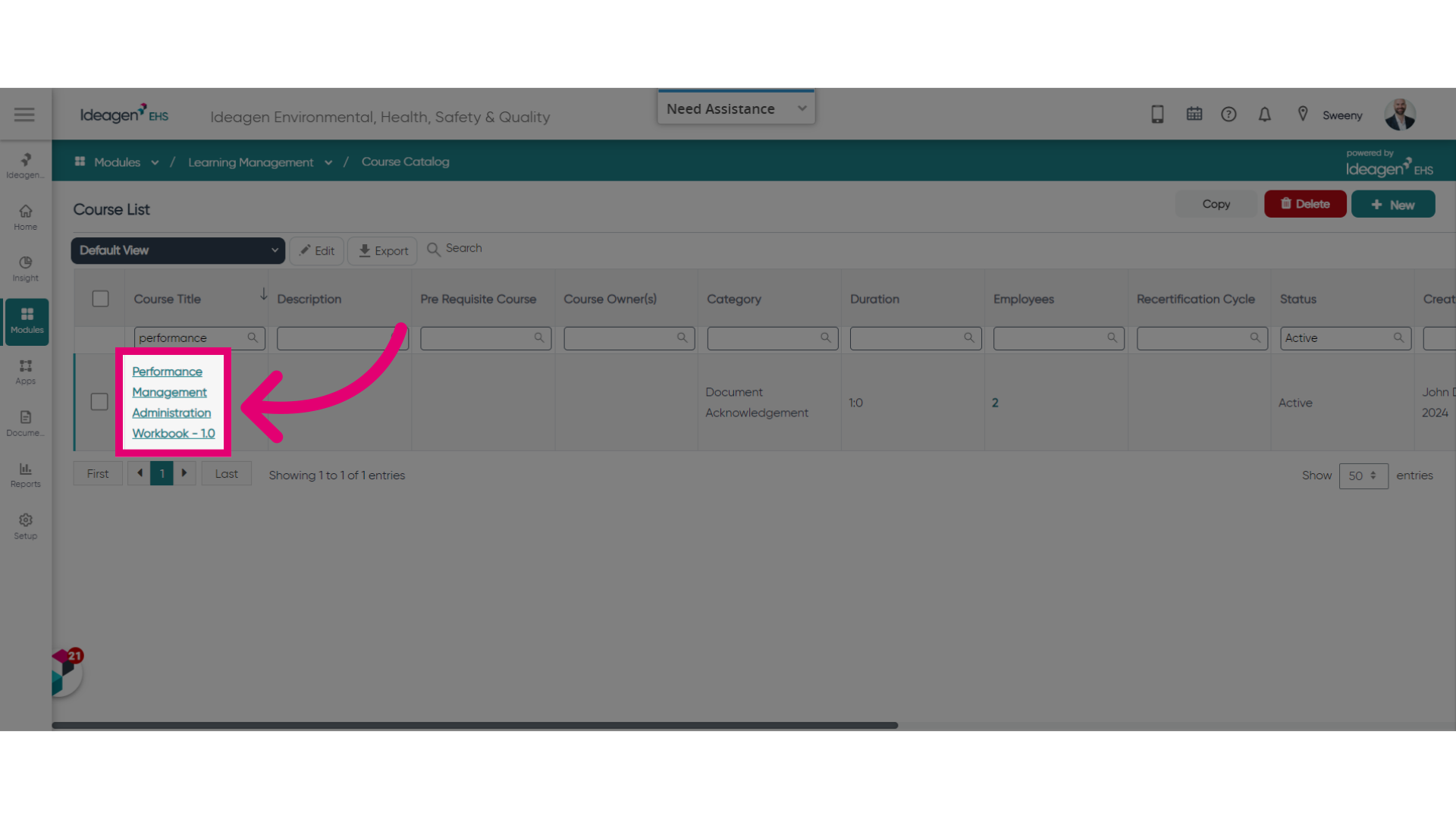
You should now be able to find the Training record in the Manage Sessions List and Course Catalog areas of Learning Management.
In both instances, the session and course name will match the Document acknowledgement title for ease of reference.