New article
Recently updated
Configuring and creating Process Safety Incidents

Who is this article for?Administrators responsible for managing Incident records.
Setup access is required.
To help you better manage and investigate Incidents within your organisation, you can classify them as Process Safety Incidents. This article shows you how to configure the option to make Process Safety an available classification.
1. Configuring Process Safety Incidents
To configure Process Safety Incidents:
- Open Setup.
- Select Module Setup.
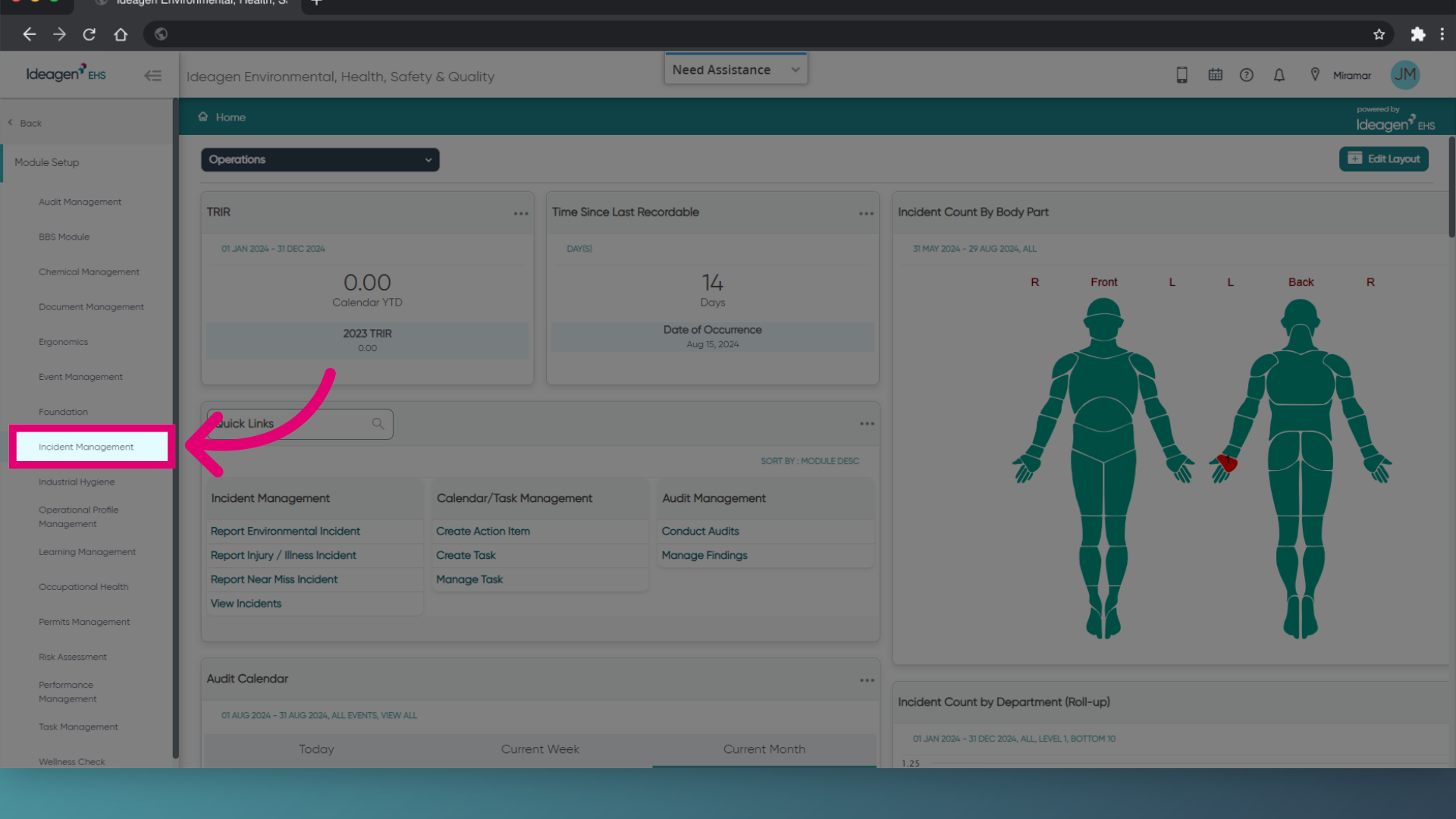
- Choose Incident Management.
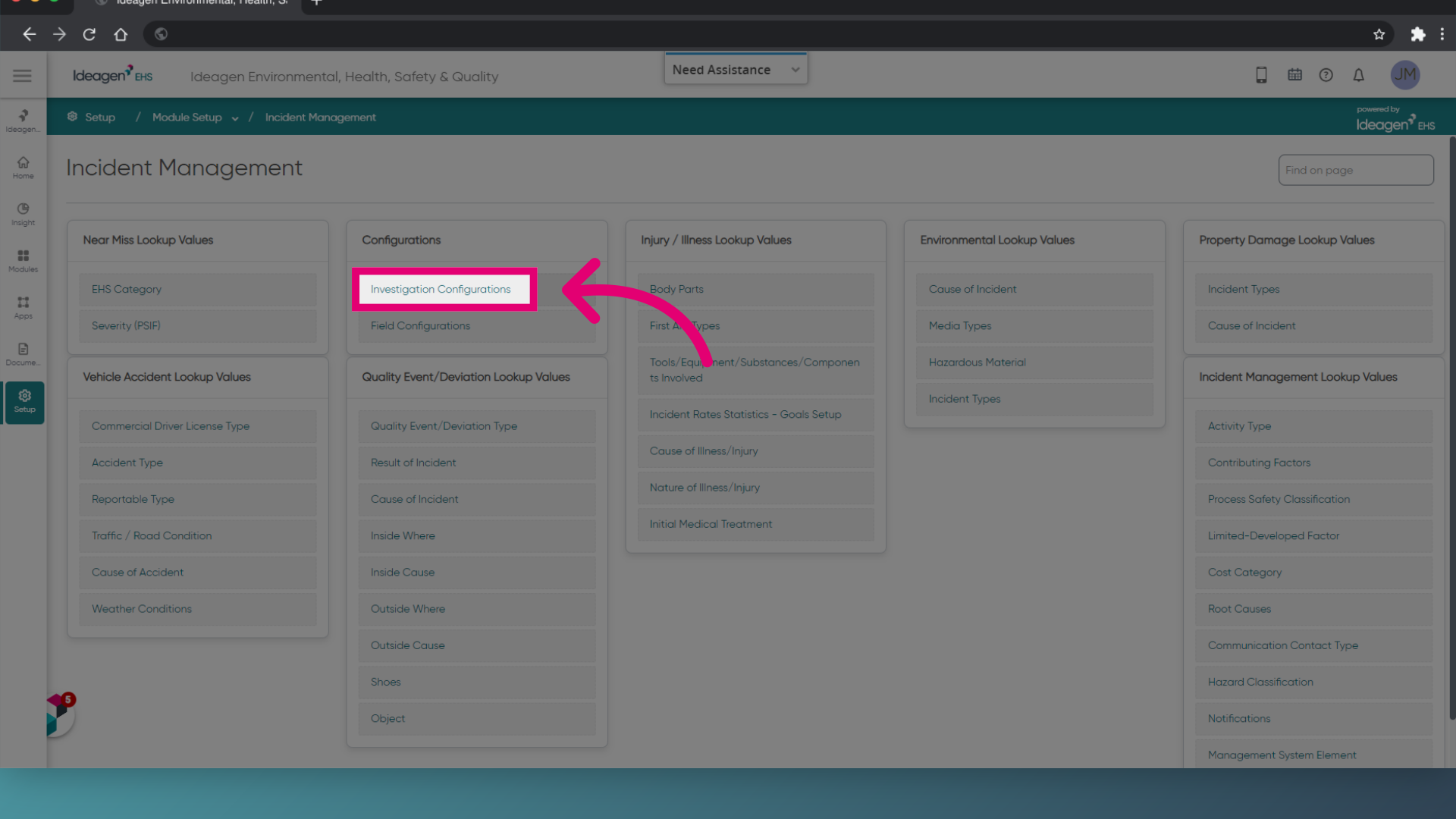
- Click Investigation Configurations (under Configurations).
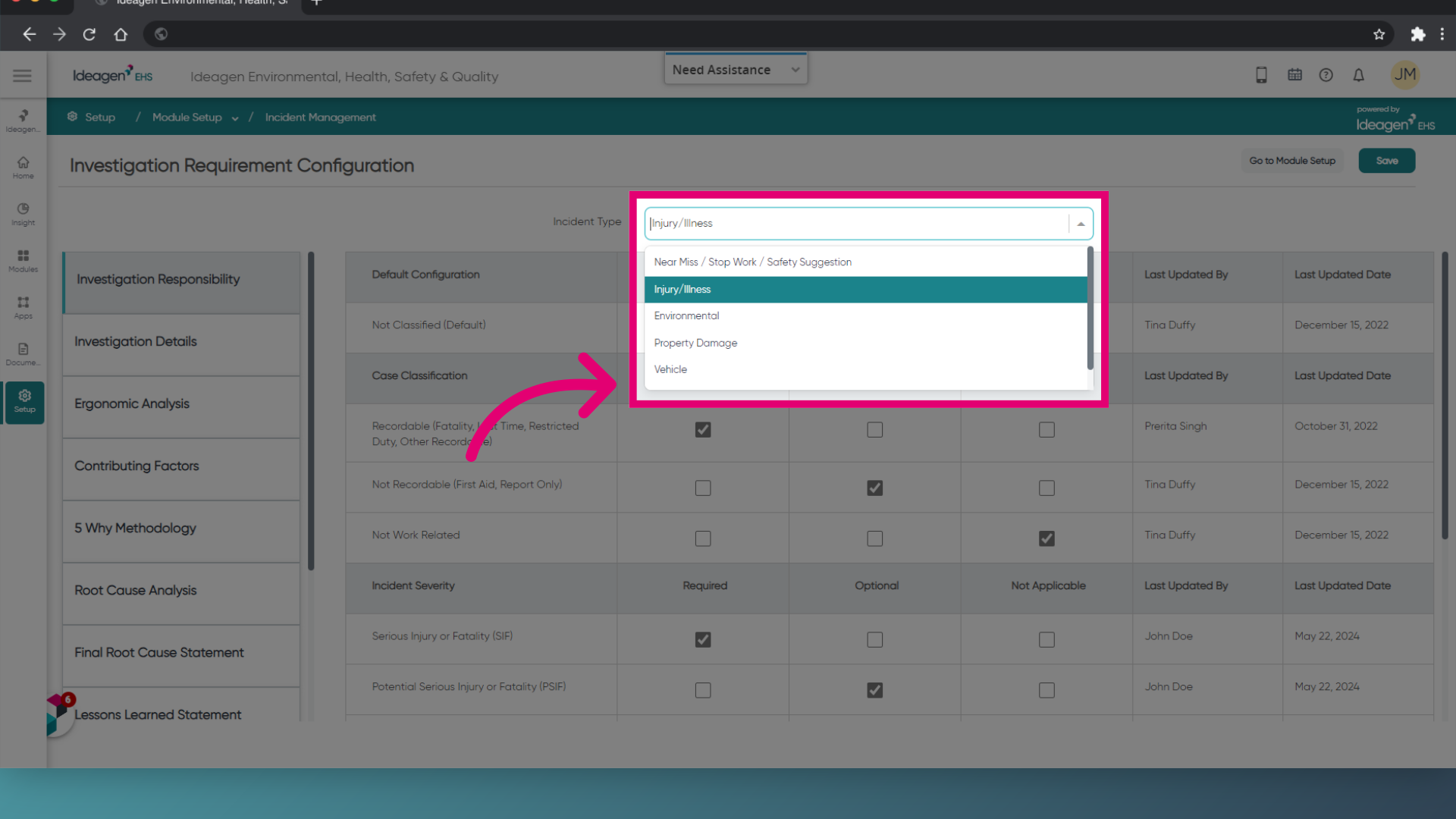
- Set the Incident Type.
- Select the Investigation section you want to configure.
- Scroll down to Process Incident Classification.
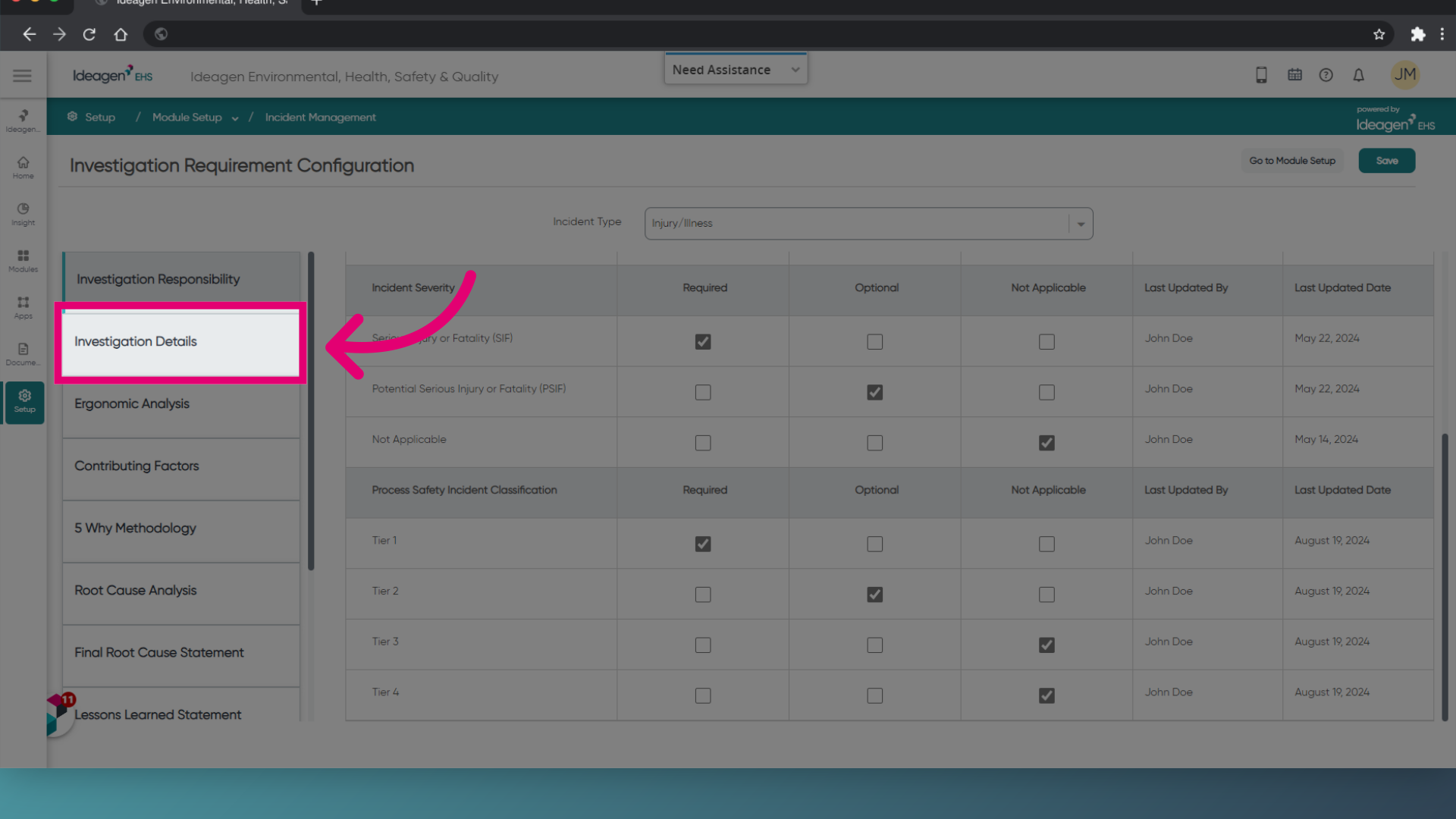
- Choose requirements for each classification.
- Click Save.
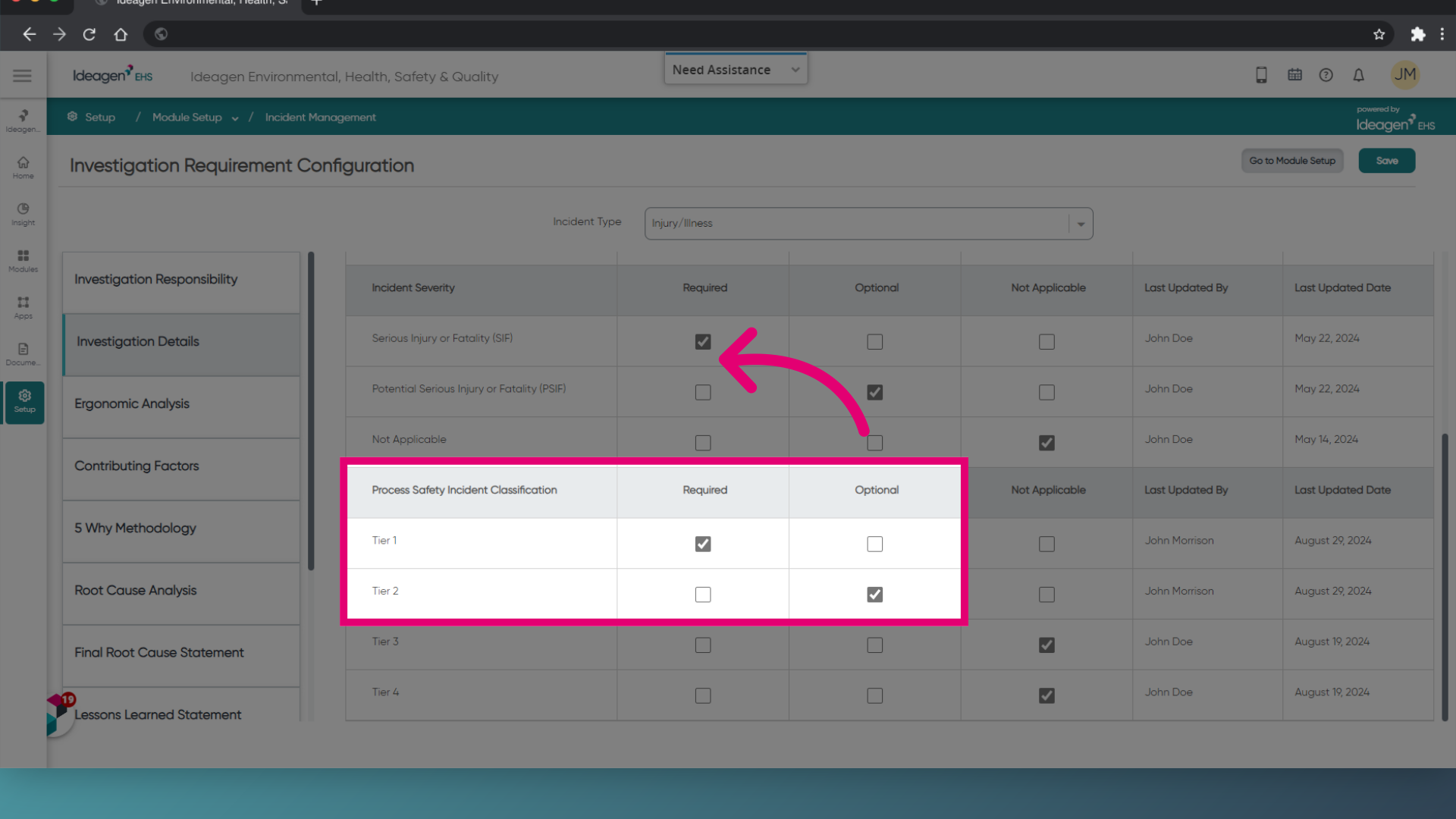
To customise Process Safety Incident values:
- Click Go to Module Setup.
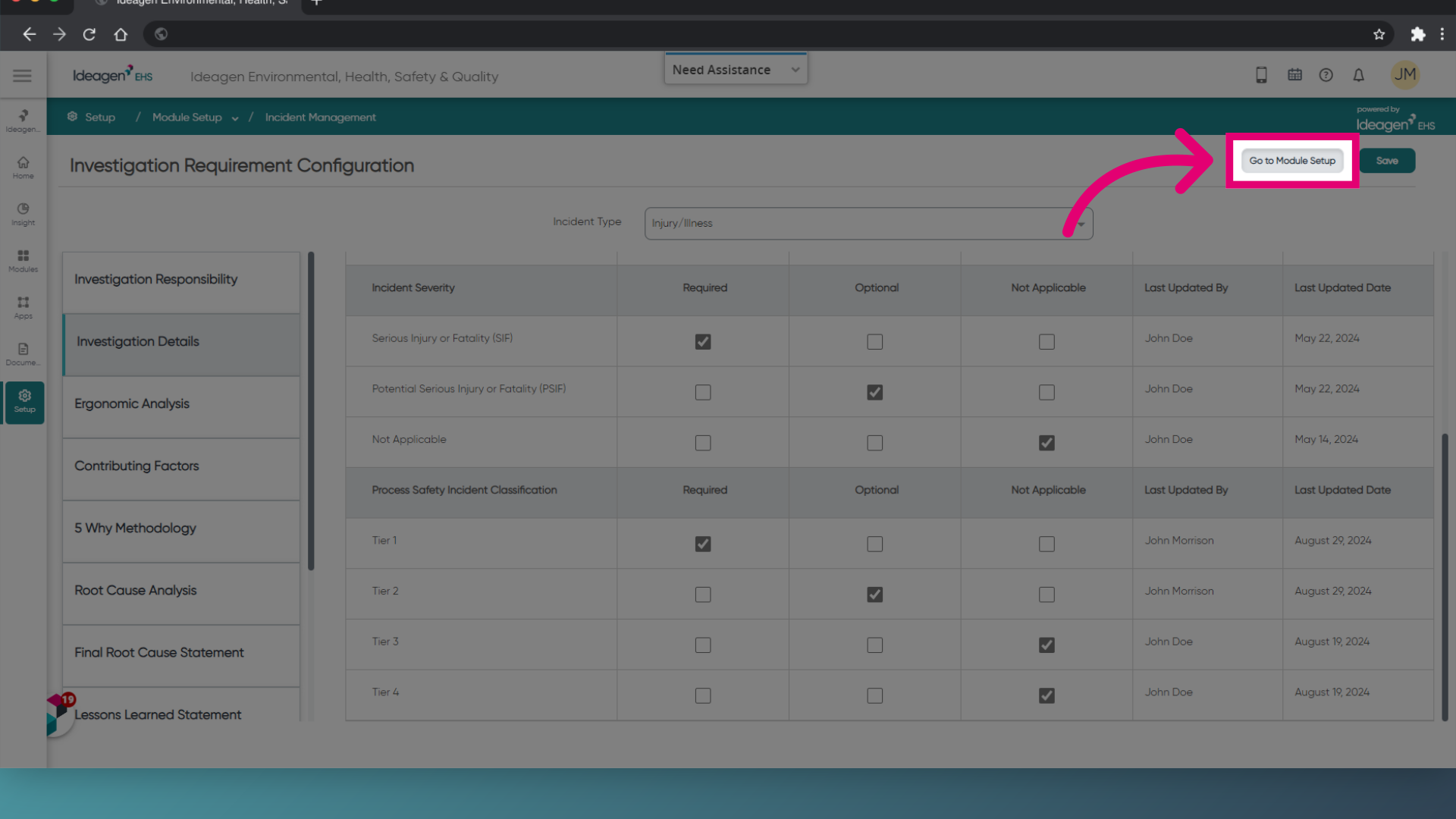
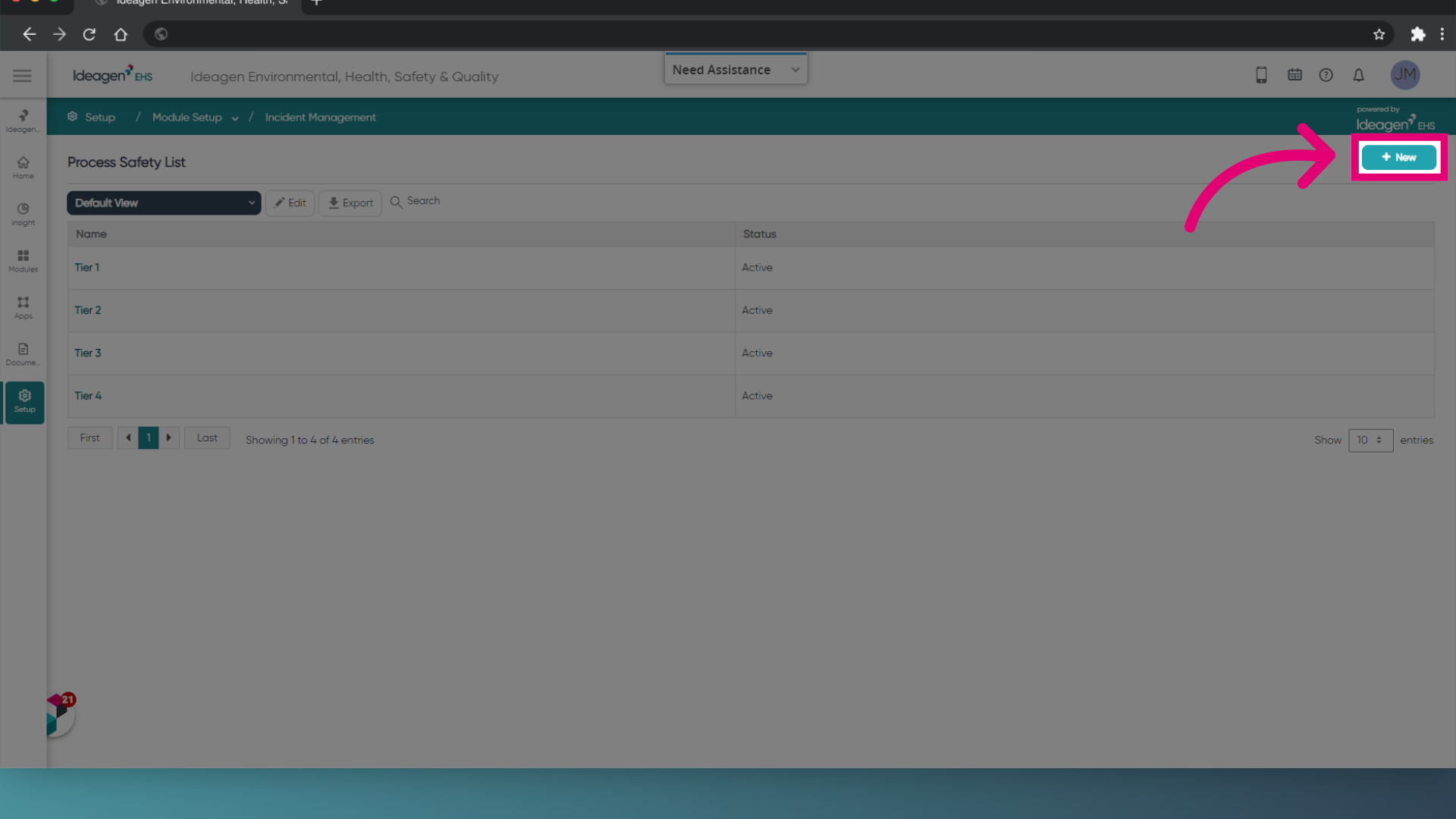
- Select Process Safety Classification (under Incident Management Lookup Values).
- Click New.
Alternatively, click an existing value if you want to edit it.
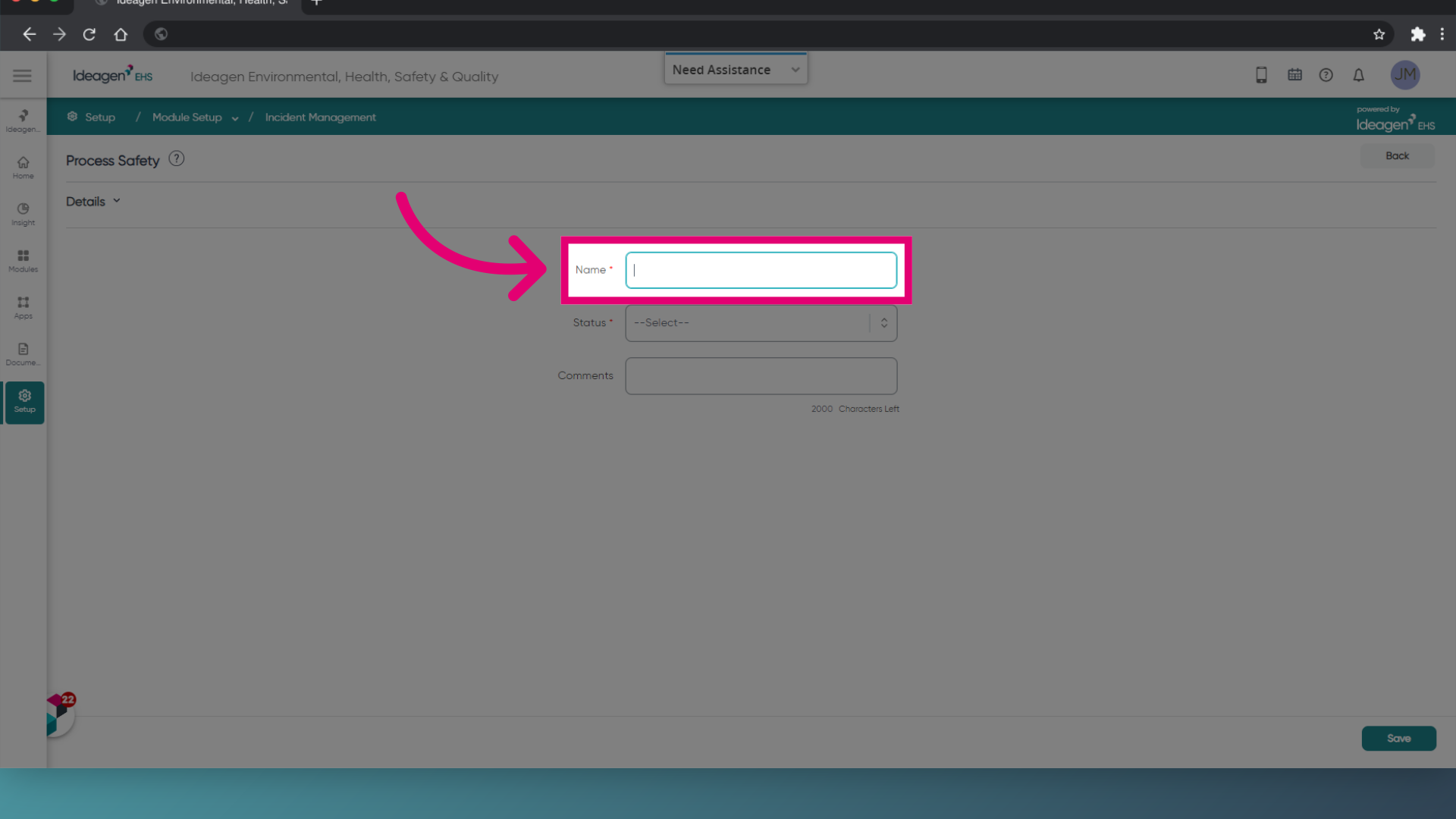
- Enter a Name for your classification.
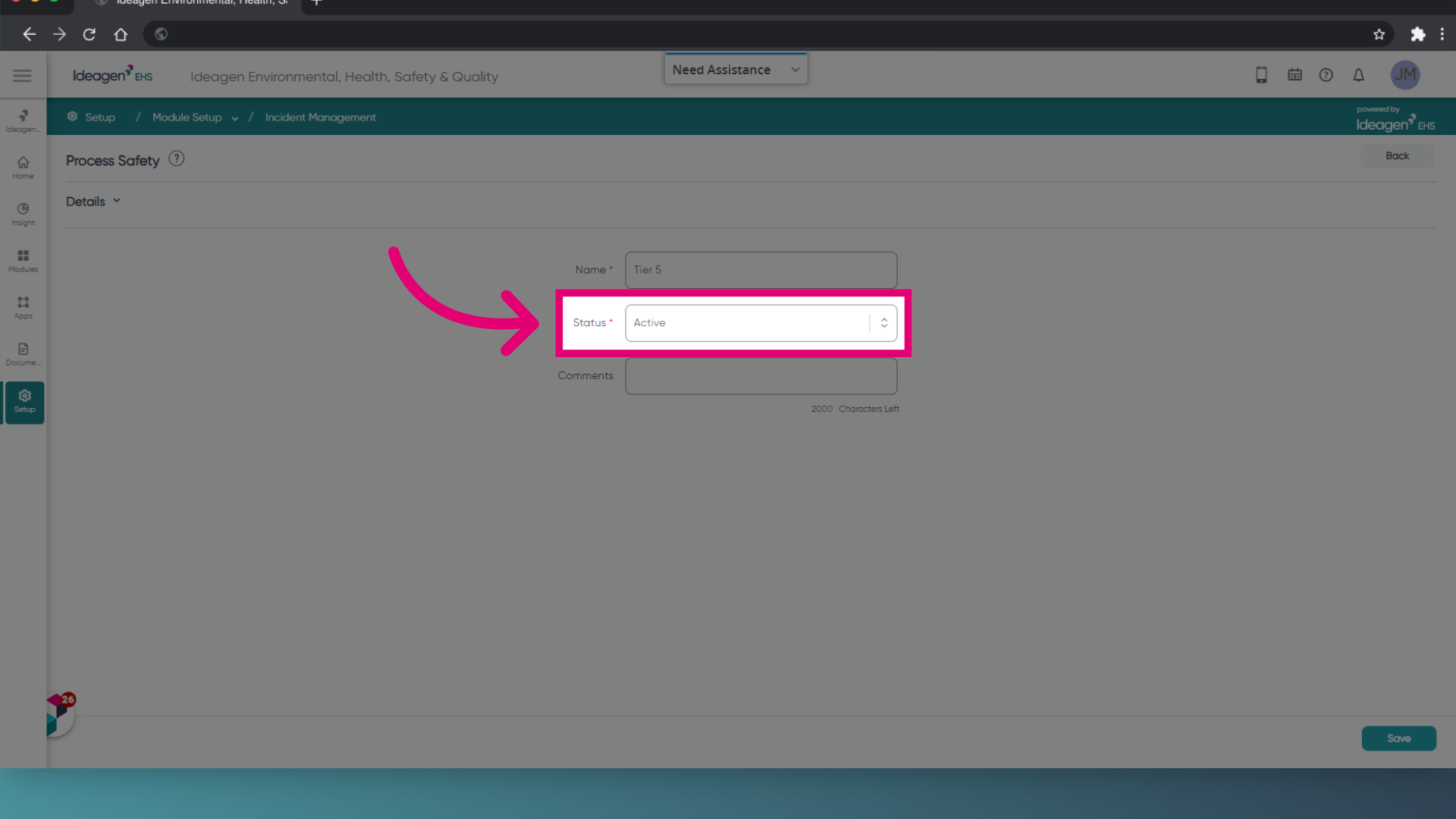
- Set the Status.
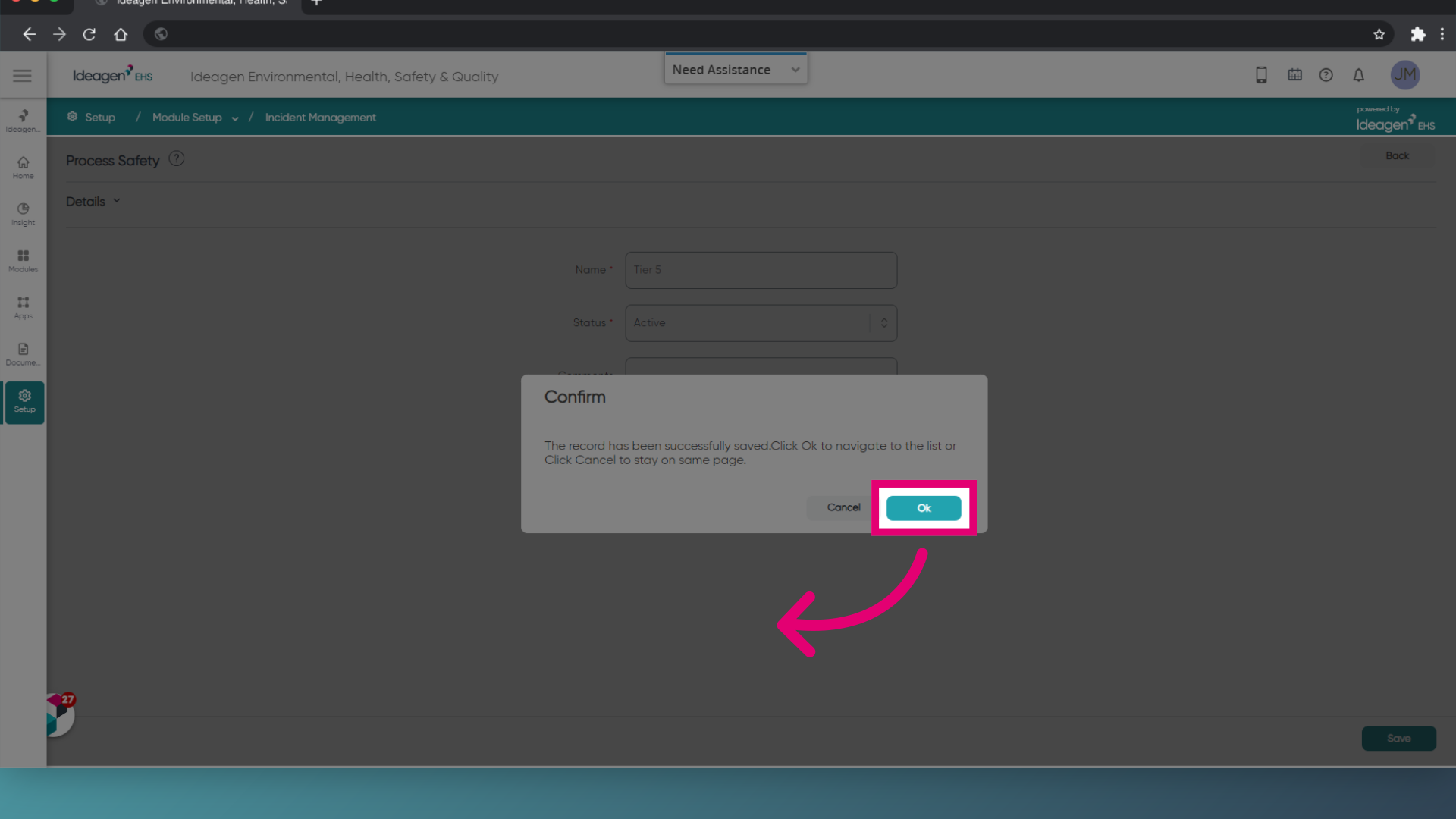
- Click Save.
- Click OK.
2. Creating Process Safety Incidents
Now that you have configured the Process Safety Classifications, you can utilise them within an Incident.
To create a Process Safety Incident:
- Open Modules on the left.
- Select Incident Management.
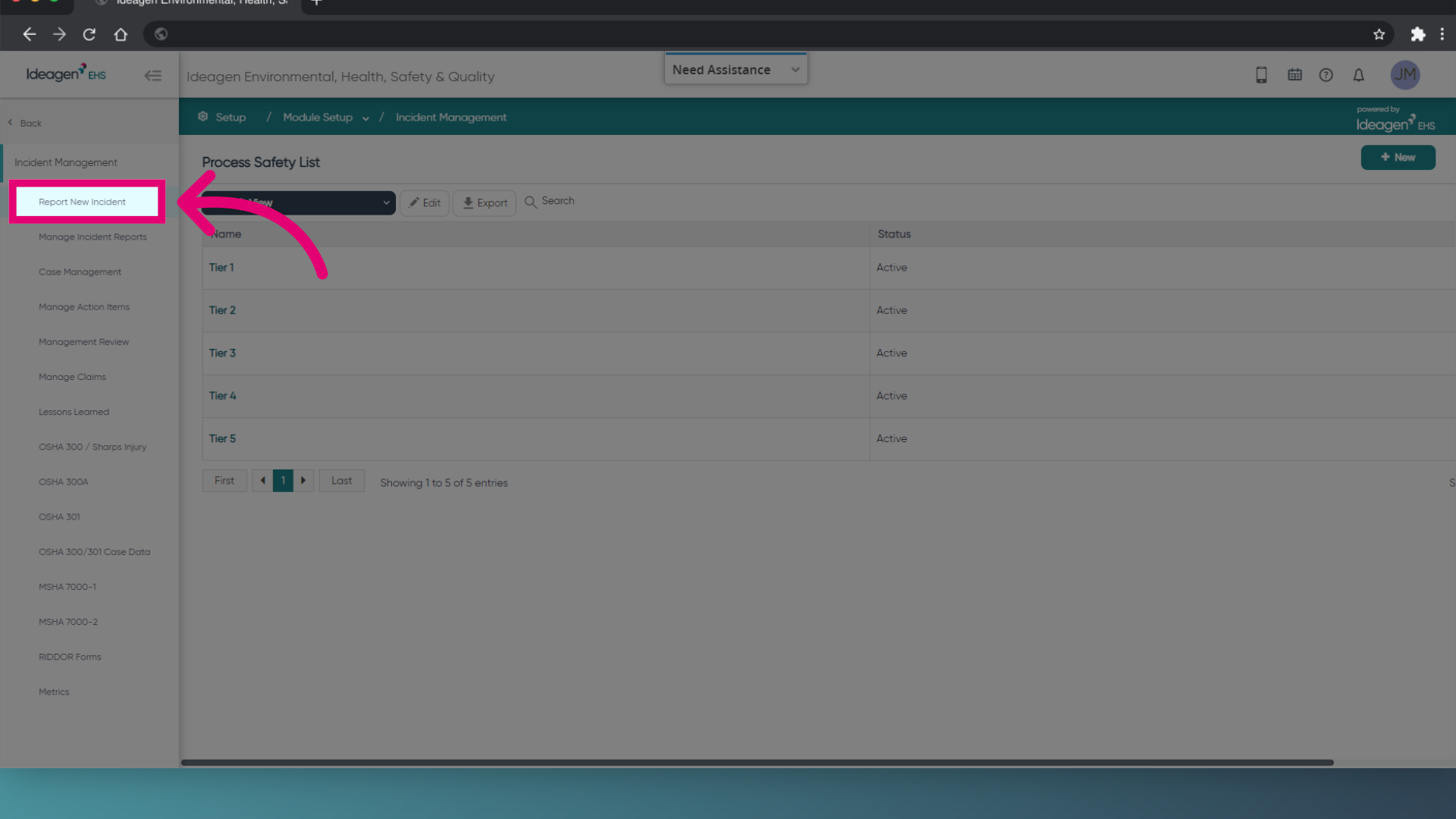
- Choose Report New Incident.
- Fill out required information.
- Select an Incident Type.
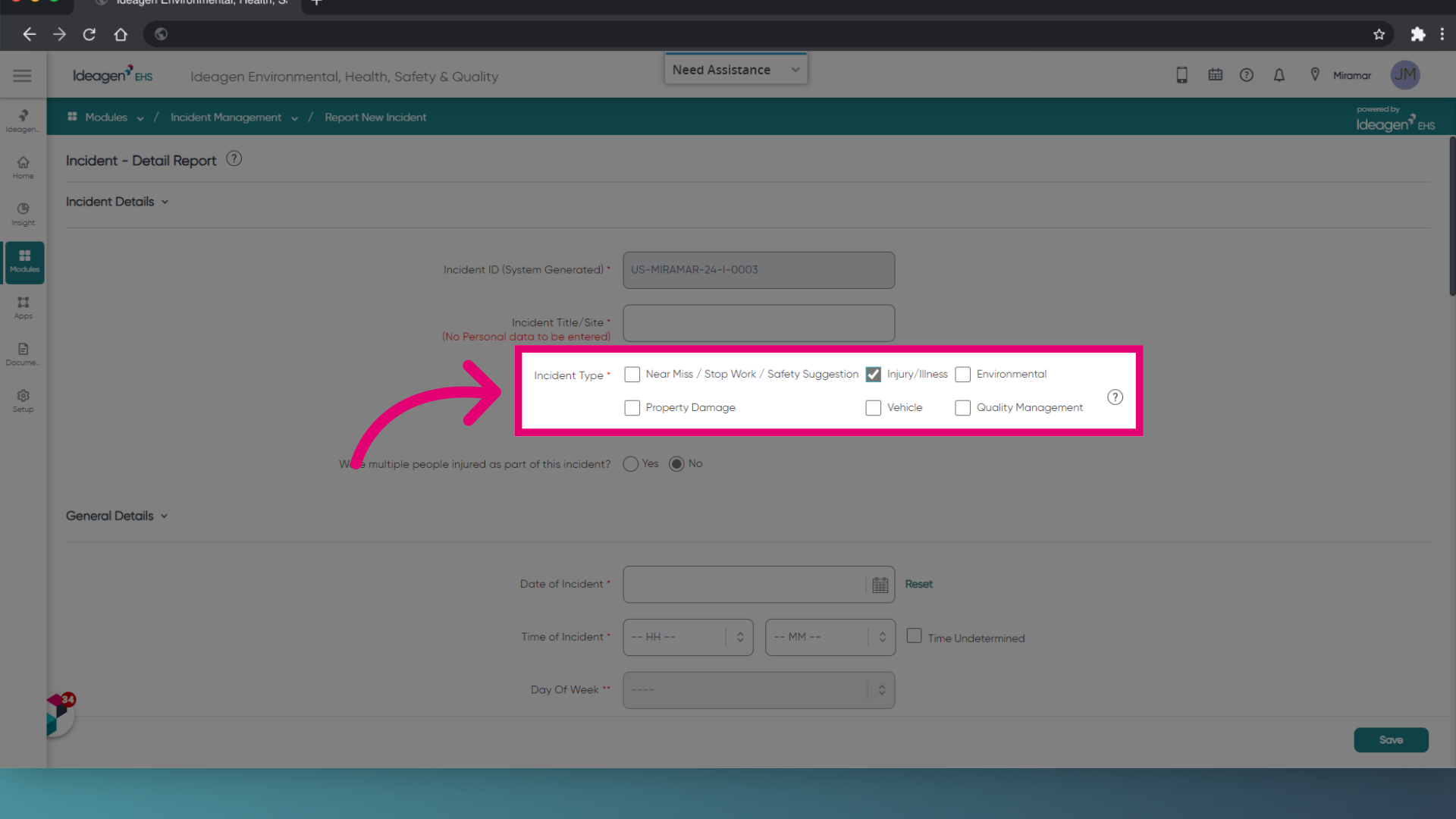
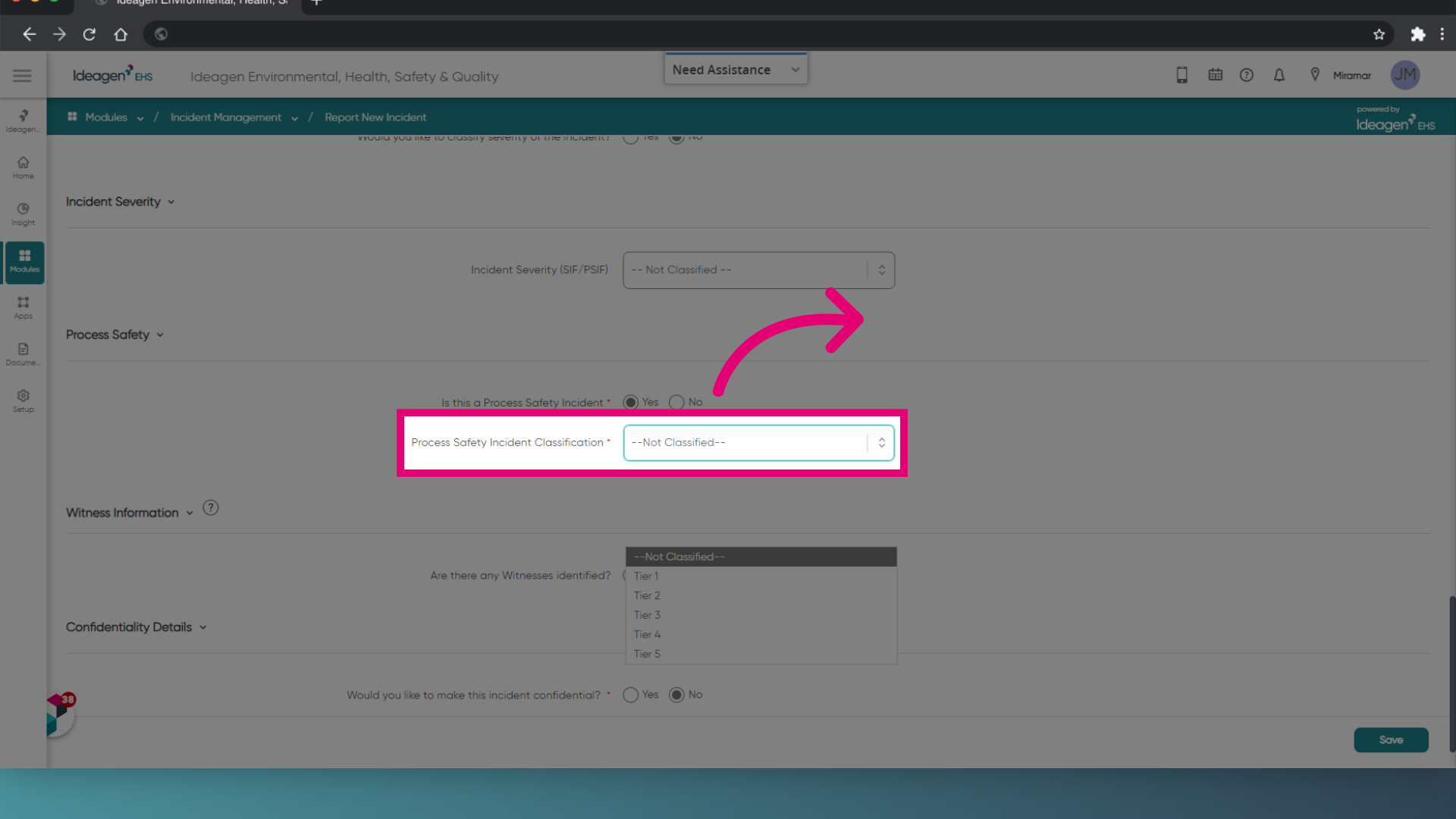
- Set Process Safety to Yes.
- Choose a Process Safety Incident Classification.