


New article
Recently updated
Configuring Incident locking

Who is this article for?Administrators responsible for managing the Incident Management module.
Setup module access is required.
To ensure data integrity, it's important that closed Incident records remain read-only to users that are not authorised to make changes. This can be achieved with the Incident locking feature, which will lock the Incident Report Details, Investigation, and Management Review sections in a record once it's been marked as closed.
This article outlines how to enable the feature and its effect on the record it's been activated.
1. Enabling Incident locking
To enable the feature, please open a ticket with our Support team.
This feature is not currently available in our mobile application. It will be made available in our 25.1 release, coming soon.
2. Using Incident locking
To lock an Incident:
- Access Modules.
- Navigate to Incident Management.
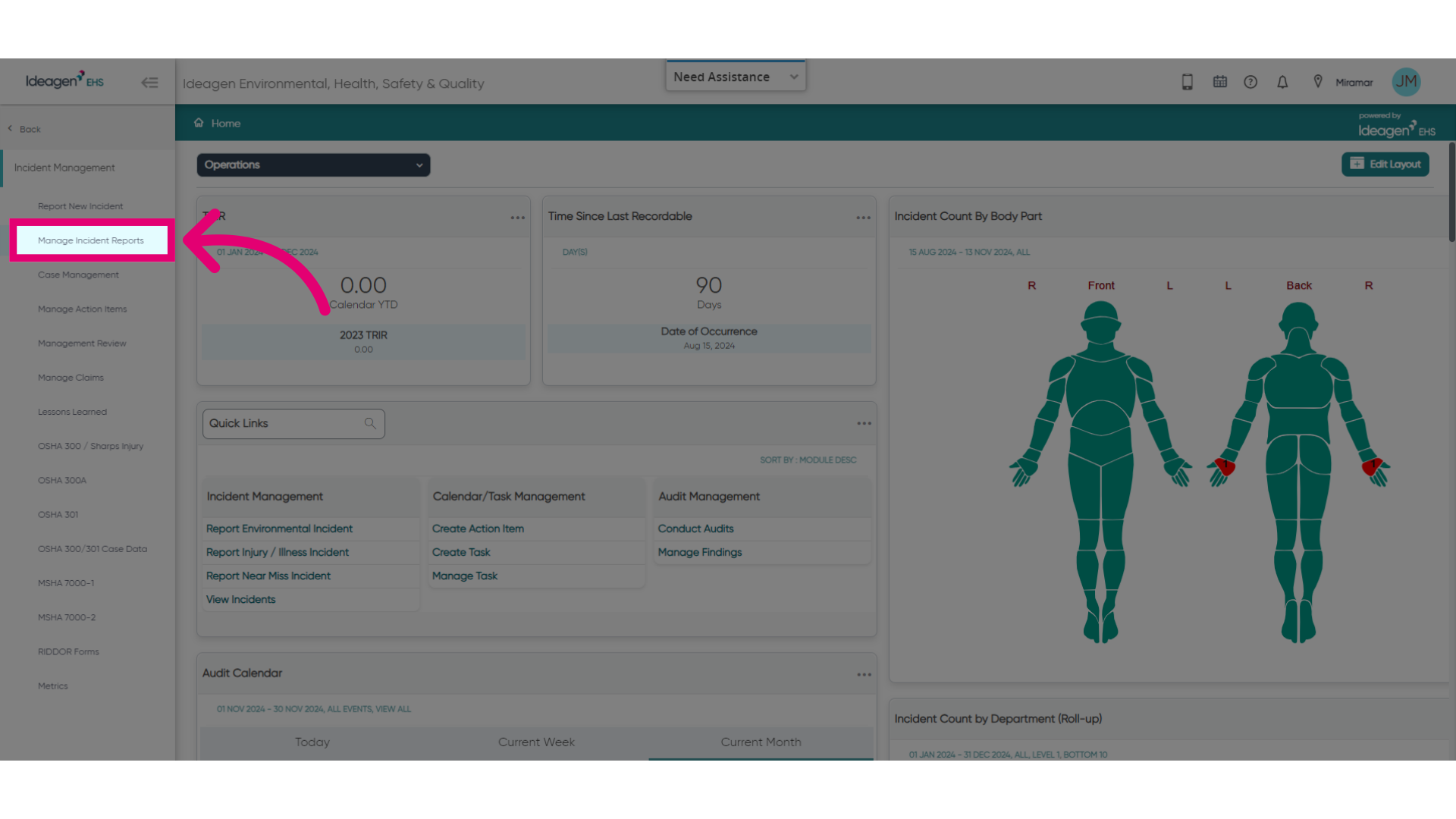
- Select Manage Incident Reports.
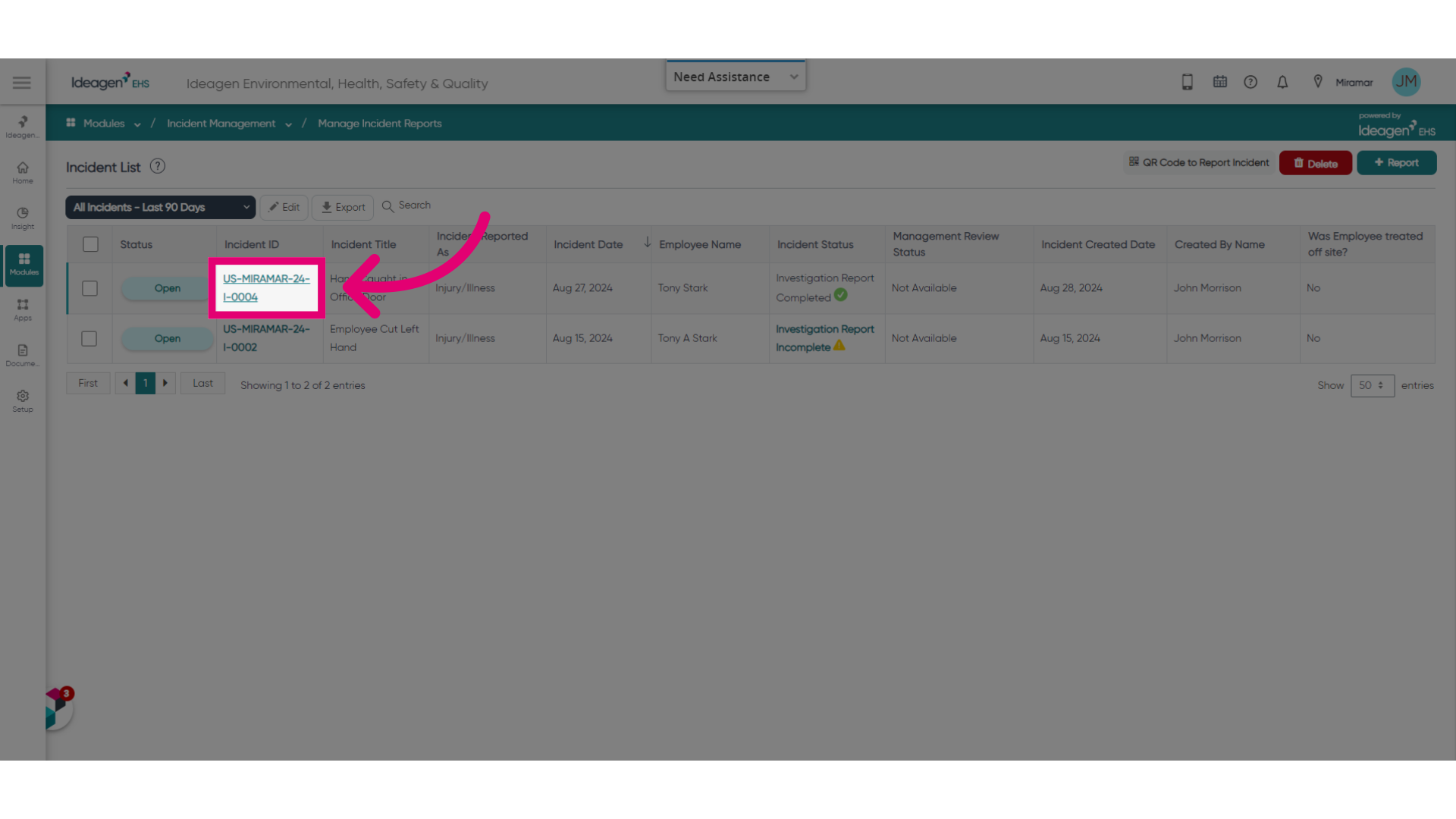
- Open an Incident record.
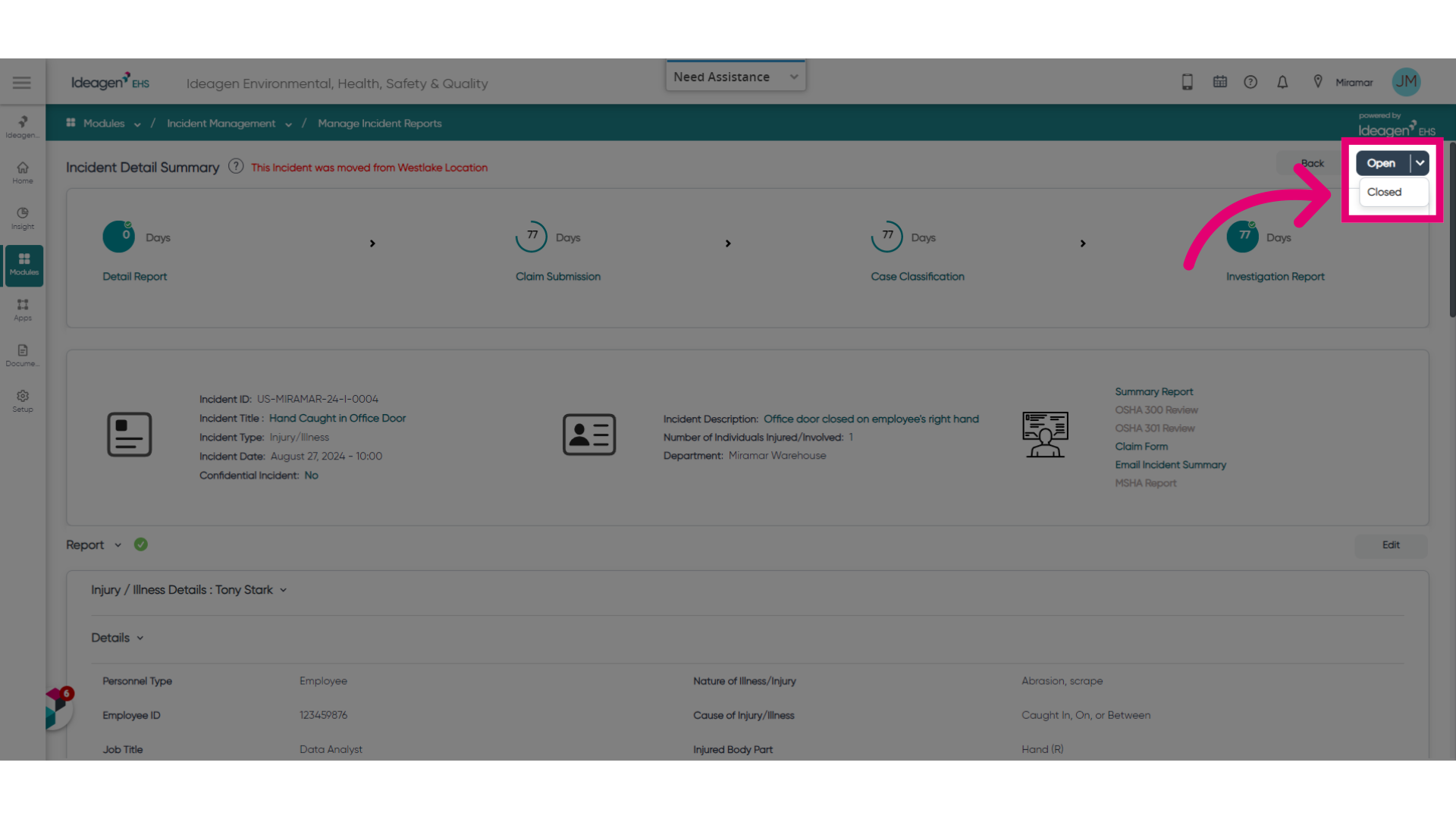
- Change Status to Closed.
This will automatically lock the Incident. - Confirm by clicking Ok.
You should now see a red lock icon on the Incident record page and the Incident List record row.
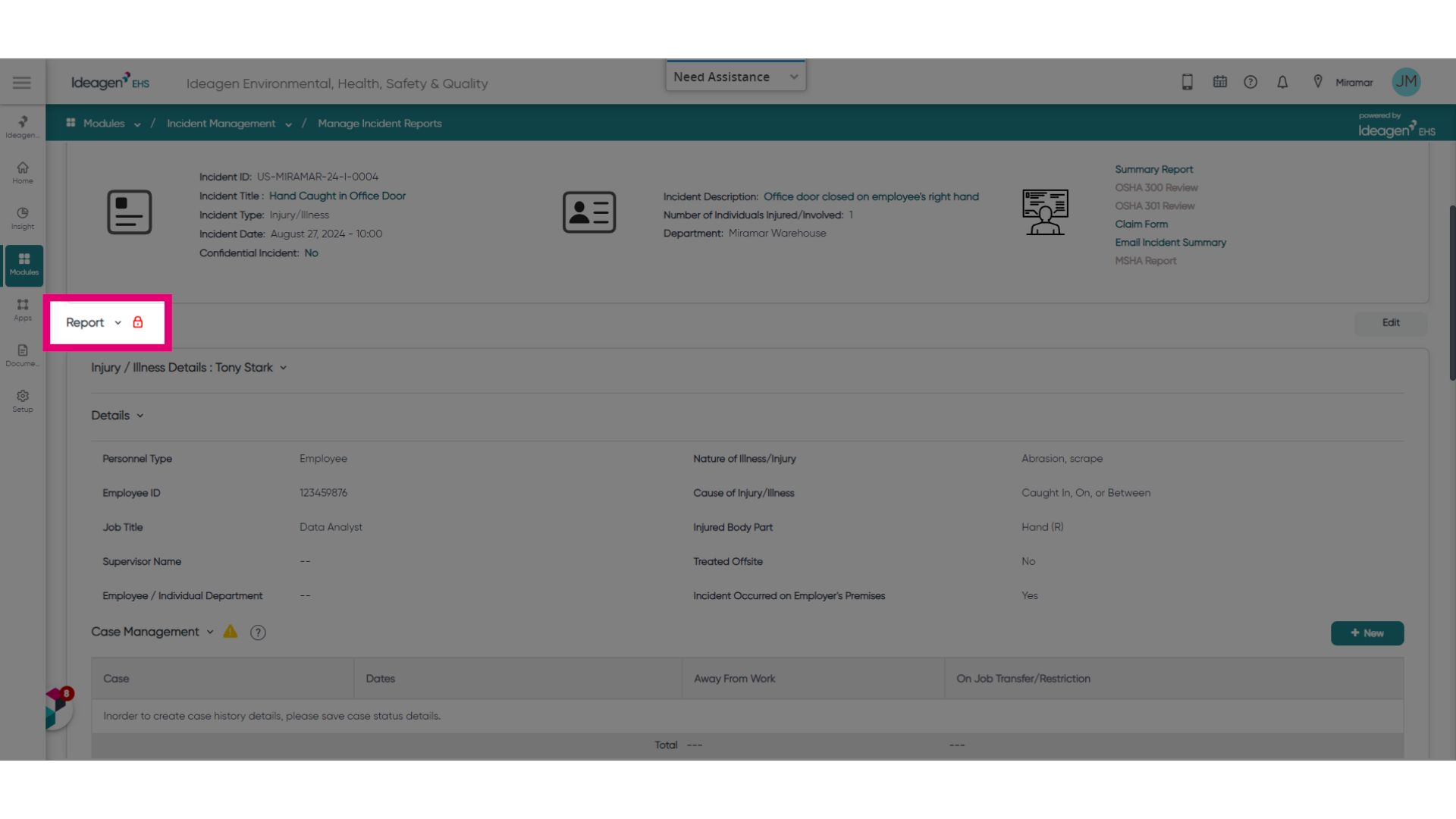
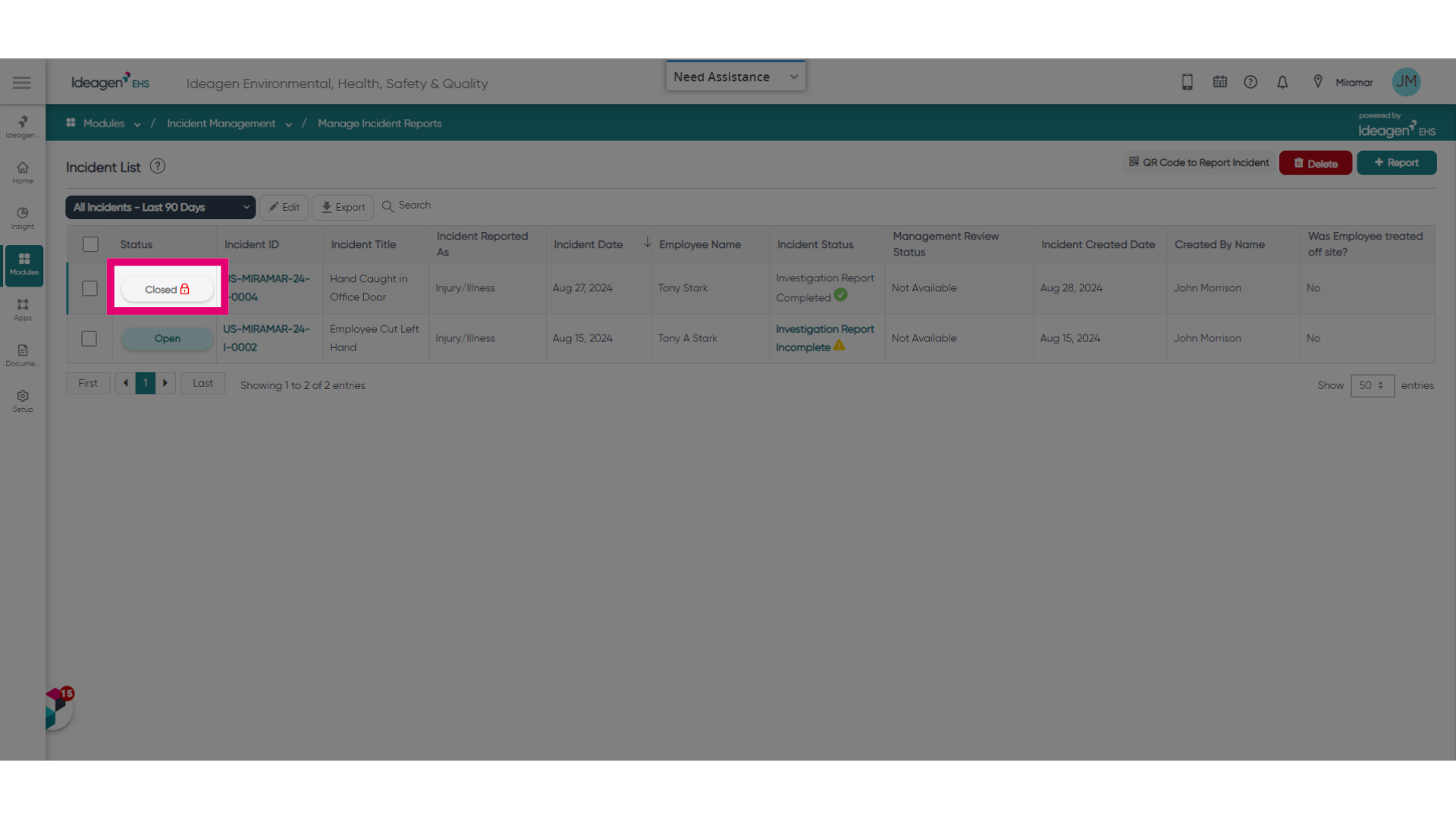
Once locked, Incidents cannot be reopened. If changes need to be made within the Incident Reports, Investigation or Management Review sections, only users with specific permissions will be able to do so.