New article
Recently updated
Bulk importing Goal values

Who is this article for?Users responsible for managing Goal values.
Performance Management and Reports access is required.
Maintaining accurate values for Goals is vital to effective Performance Management within your organisation.
This article shows you how to easily import up to date data for KPIs across the whole program.
1. Importing Goals
To bulk import Goals:
- Access Modules.
- Select Performance Management.
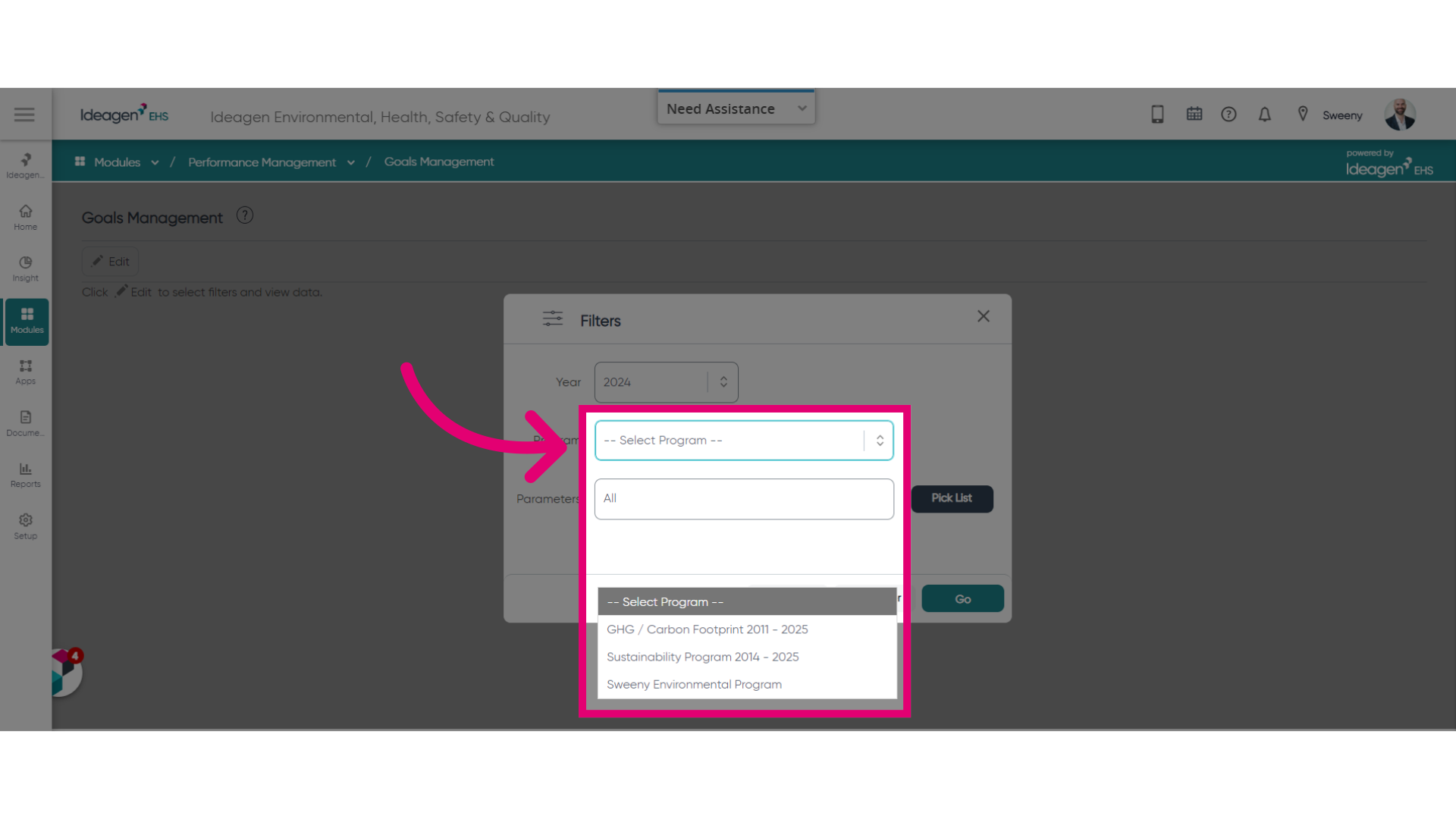
- Choose Goals Management.
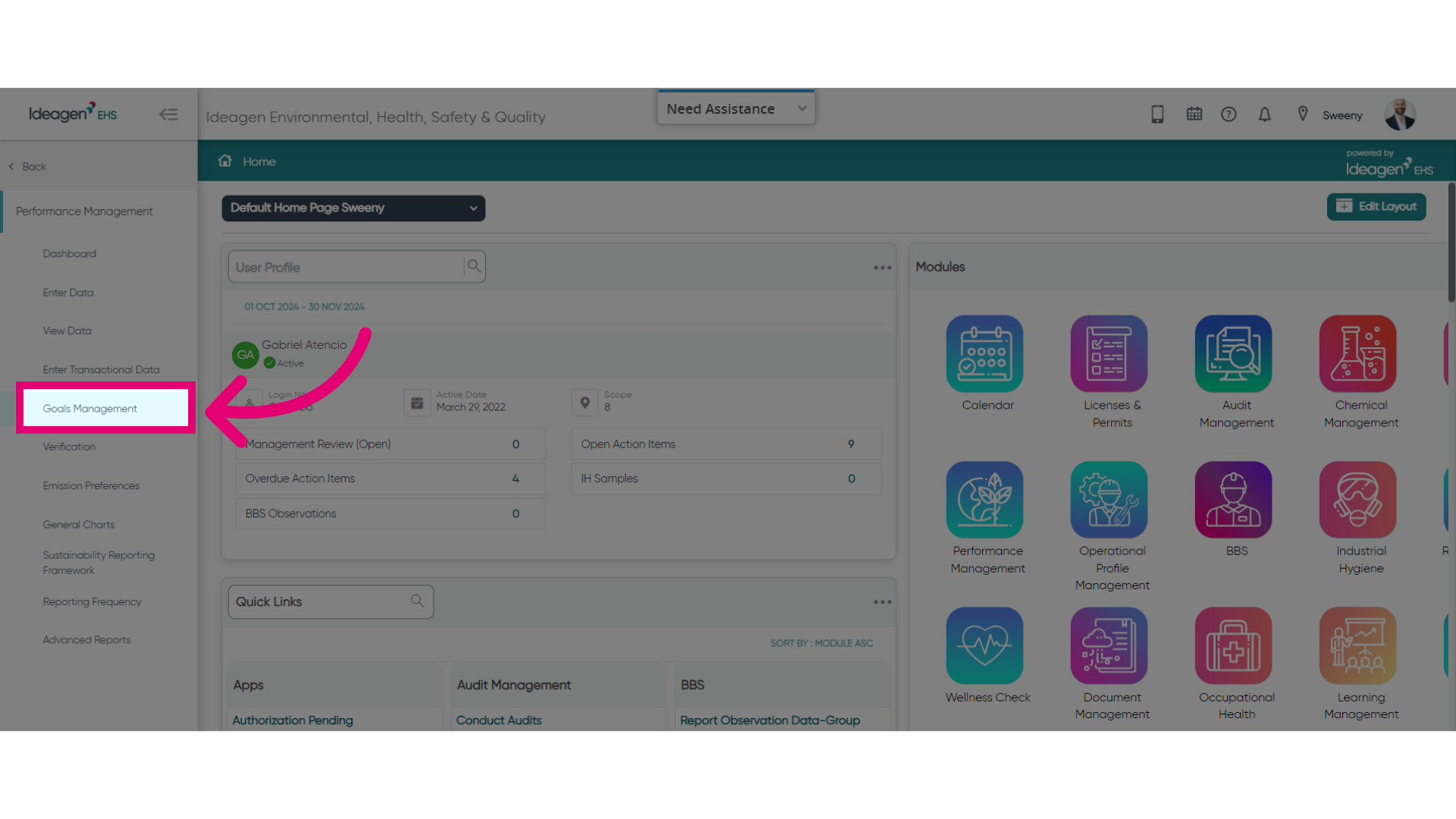
- Click Edit.
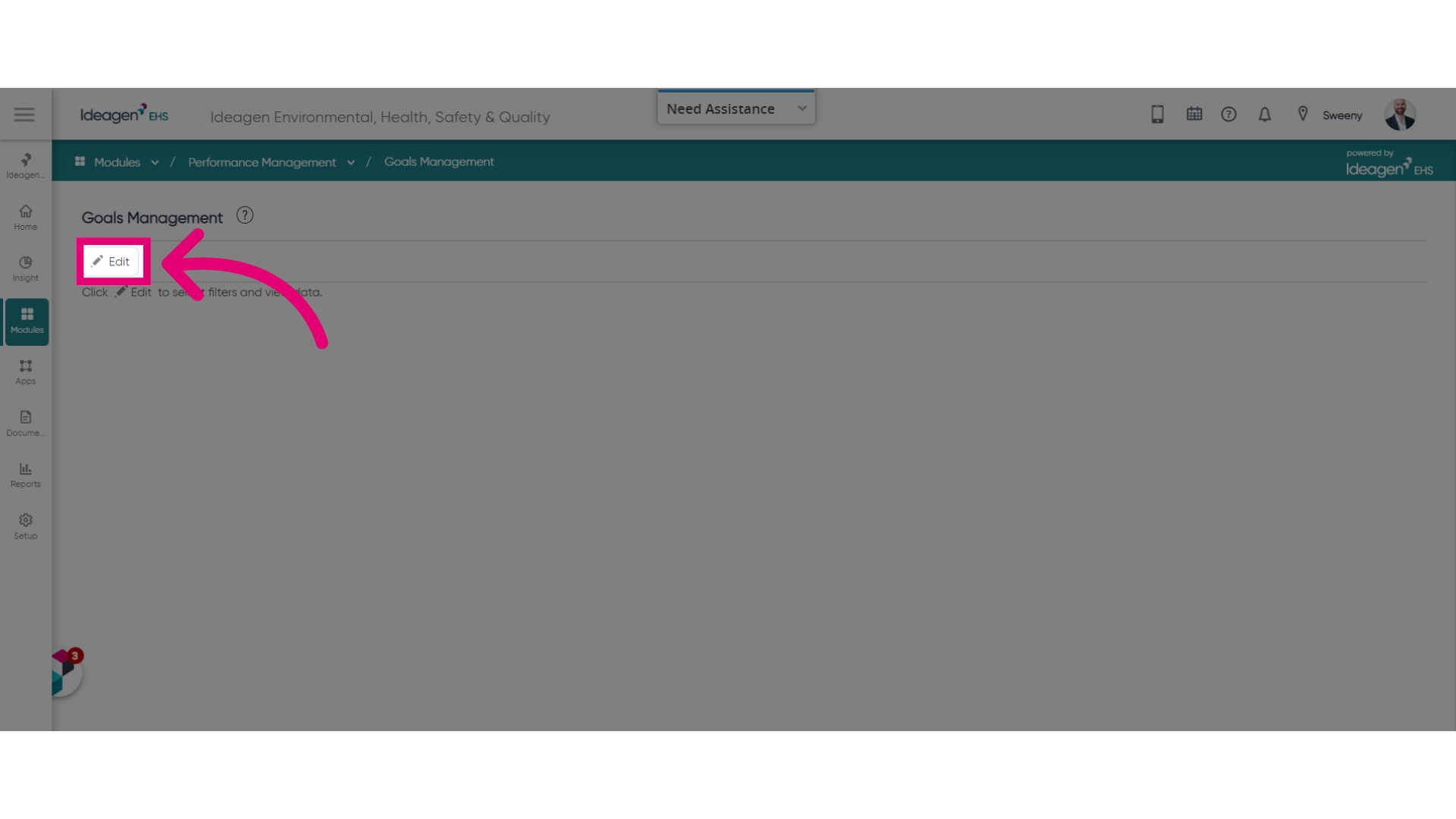
- Select a Program.
- Click Go.
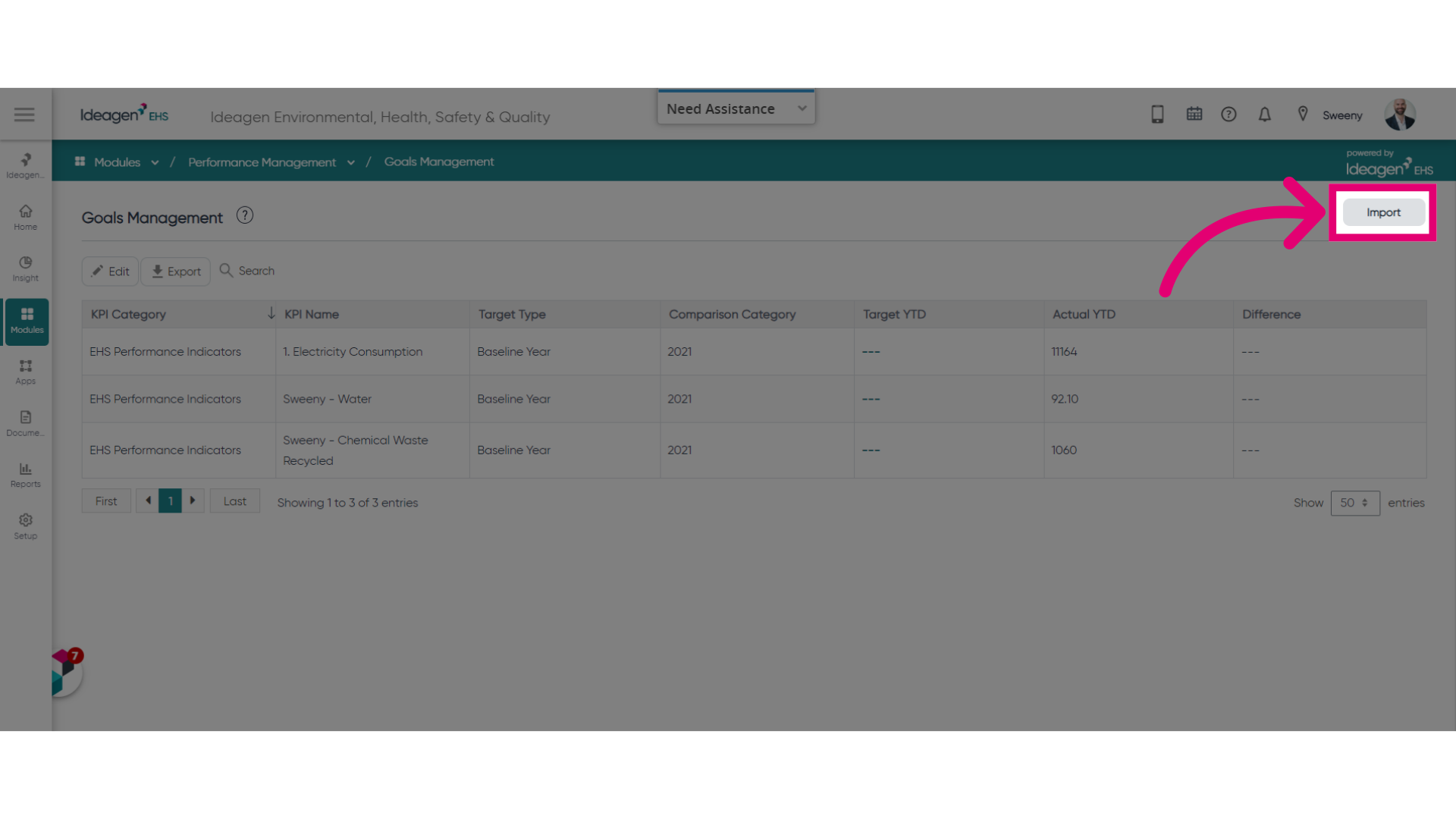
- Click Import to access the tool.
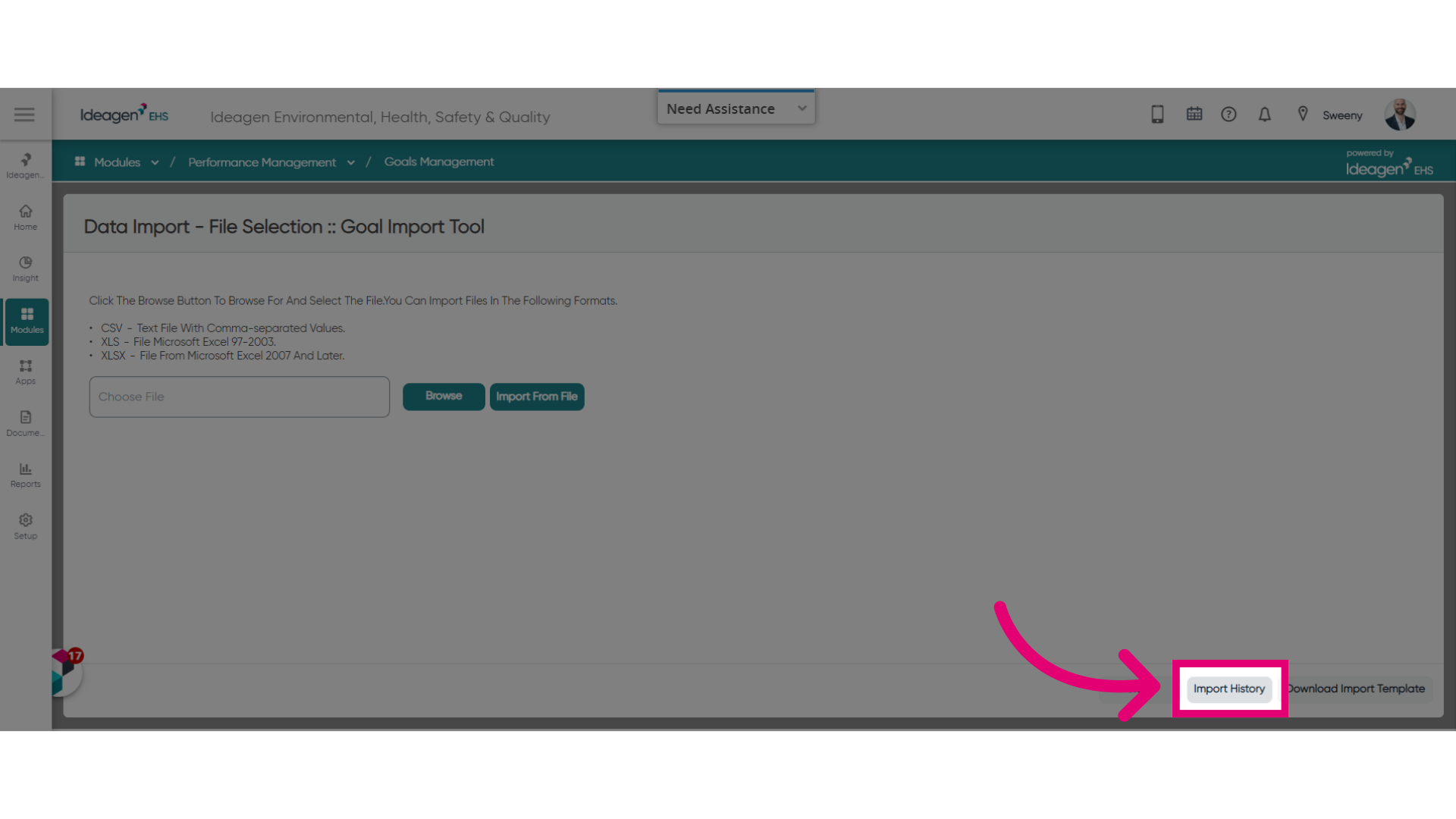
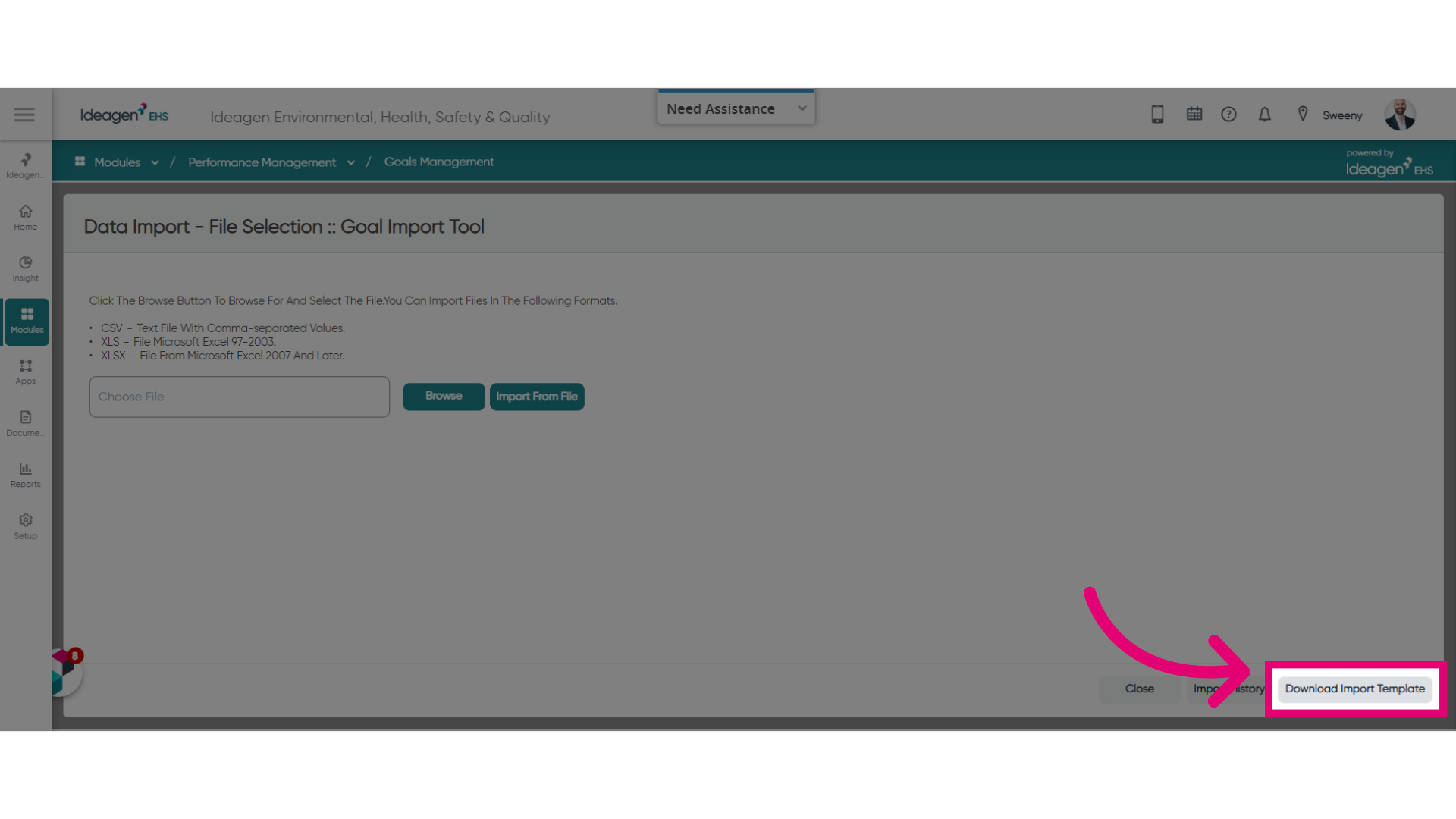
- Click Download Import Template.
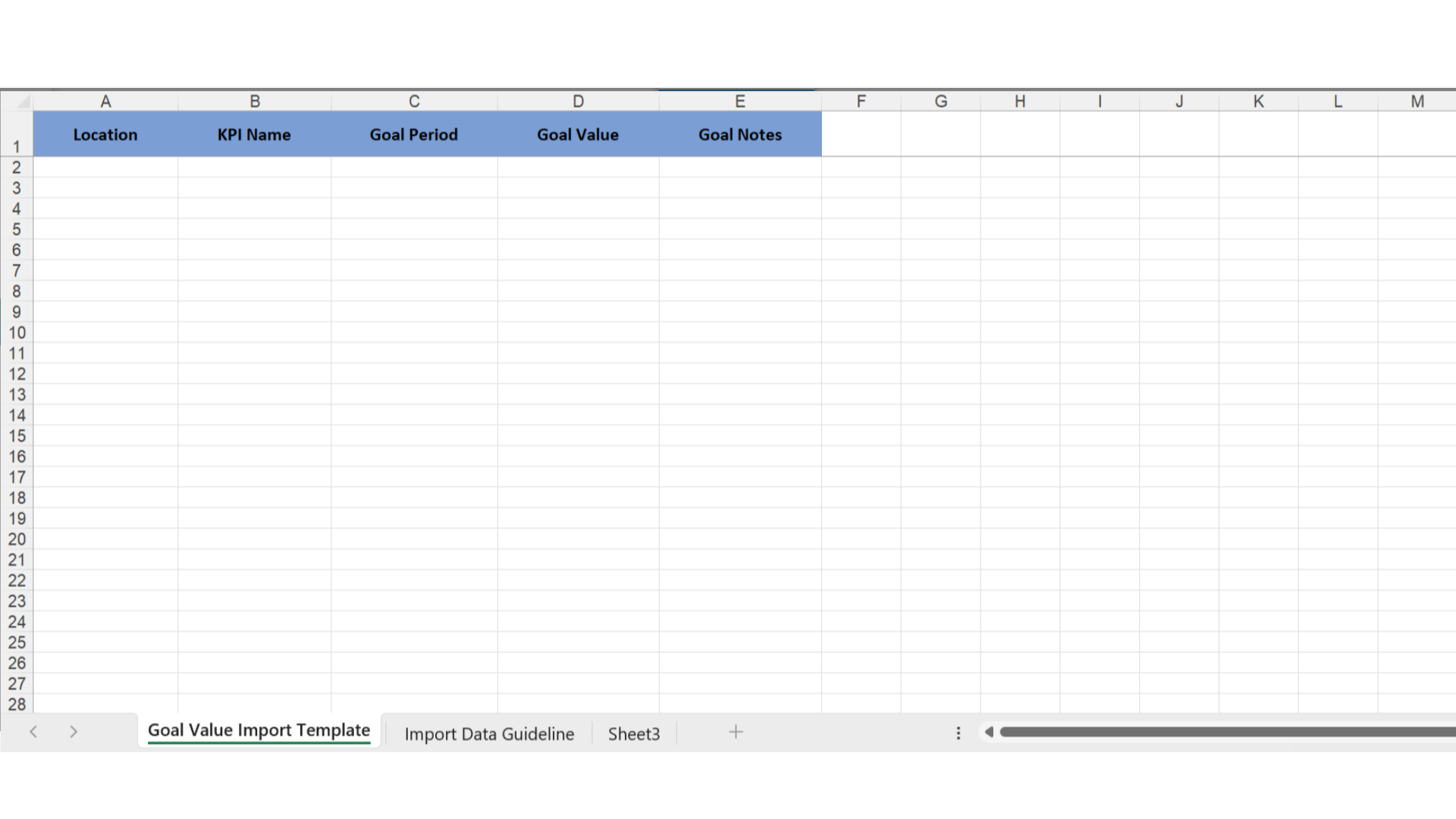
- Open the downloaded template.
- Enter information in the designated columns.
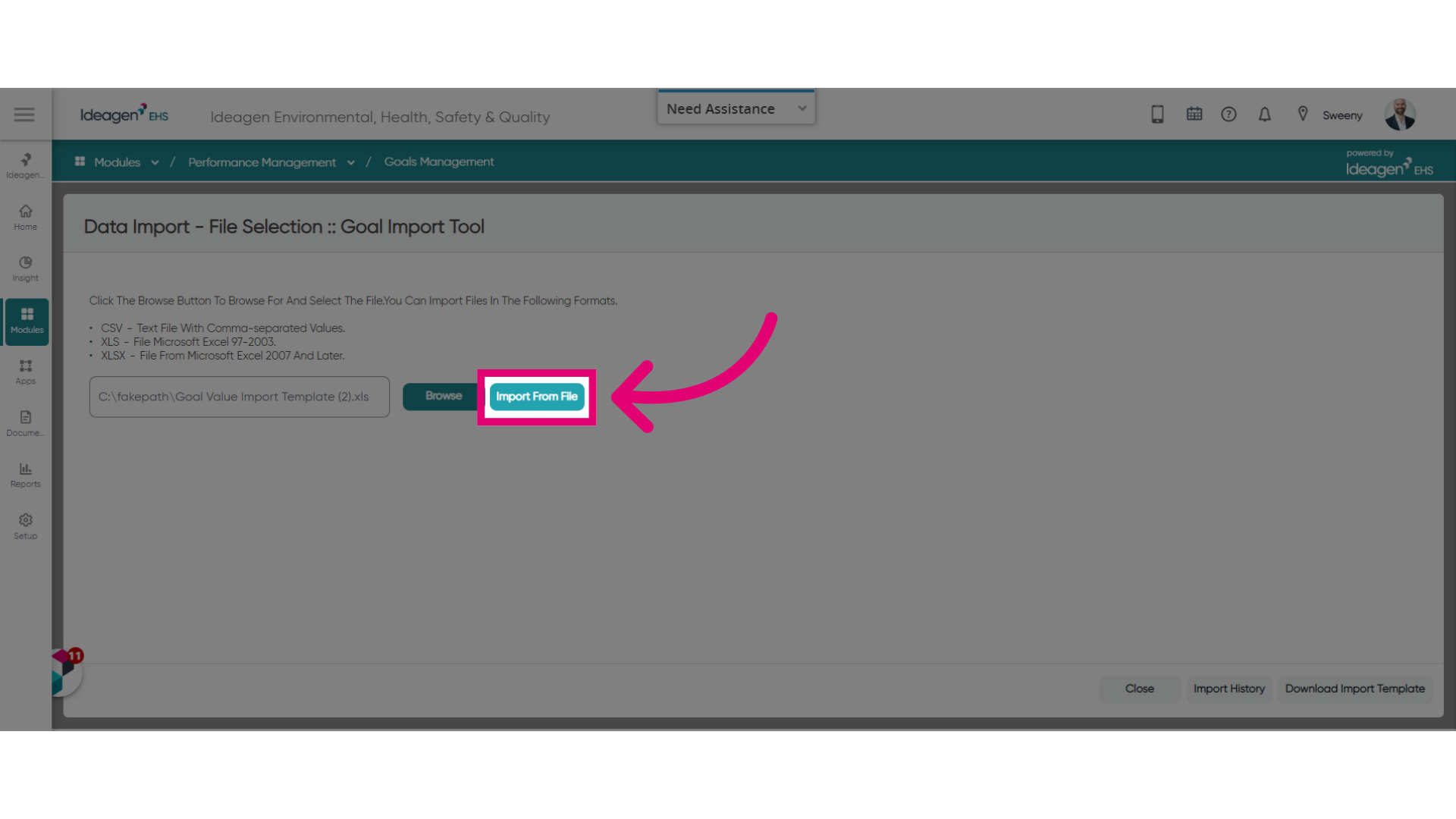
- Click Browse.
- Select the updated file.
- Click Import From File.
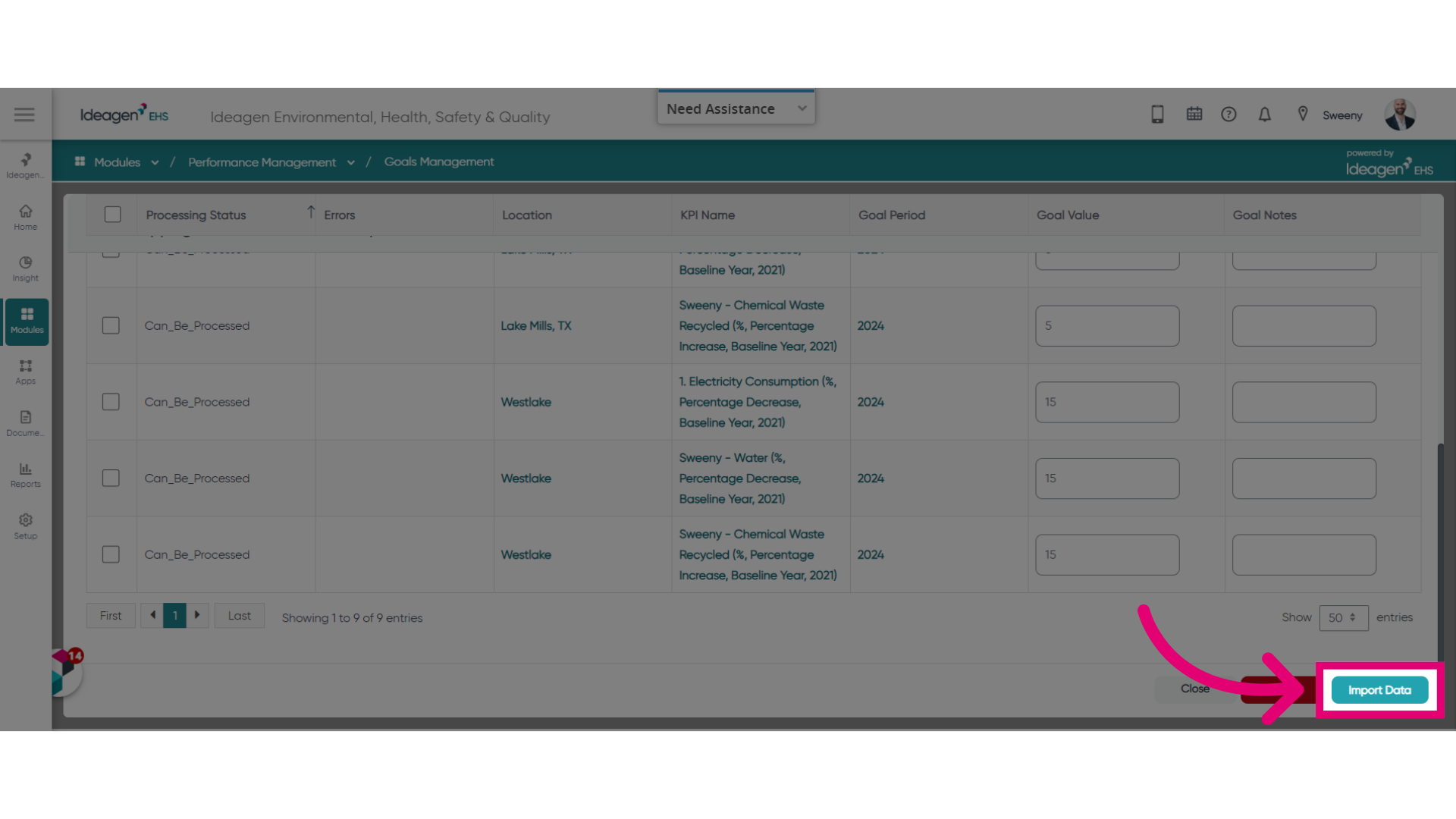
- Review the imported data.
- Click Import Data to complete the process.
To view import history, click the corresponding button in the import tool.