New article
Recently updated
Assigning a CAPA to multiple findings

Who is this article for?
Users responsible for managing audits..
Audit Management access is required.
To streamline audit workflow and improve efficiency of your audits, you can link a CAPA to multiple audit findings within the system.
This article takes you through the process of assigning, or linking, a CAPA to more than one audit record.
1. Assigning a CAPA
To assign a CAPA to a finding:
- Access Modules.
- Open Audit Management.
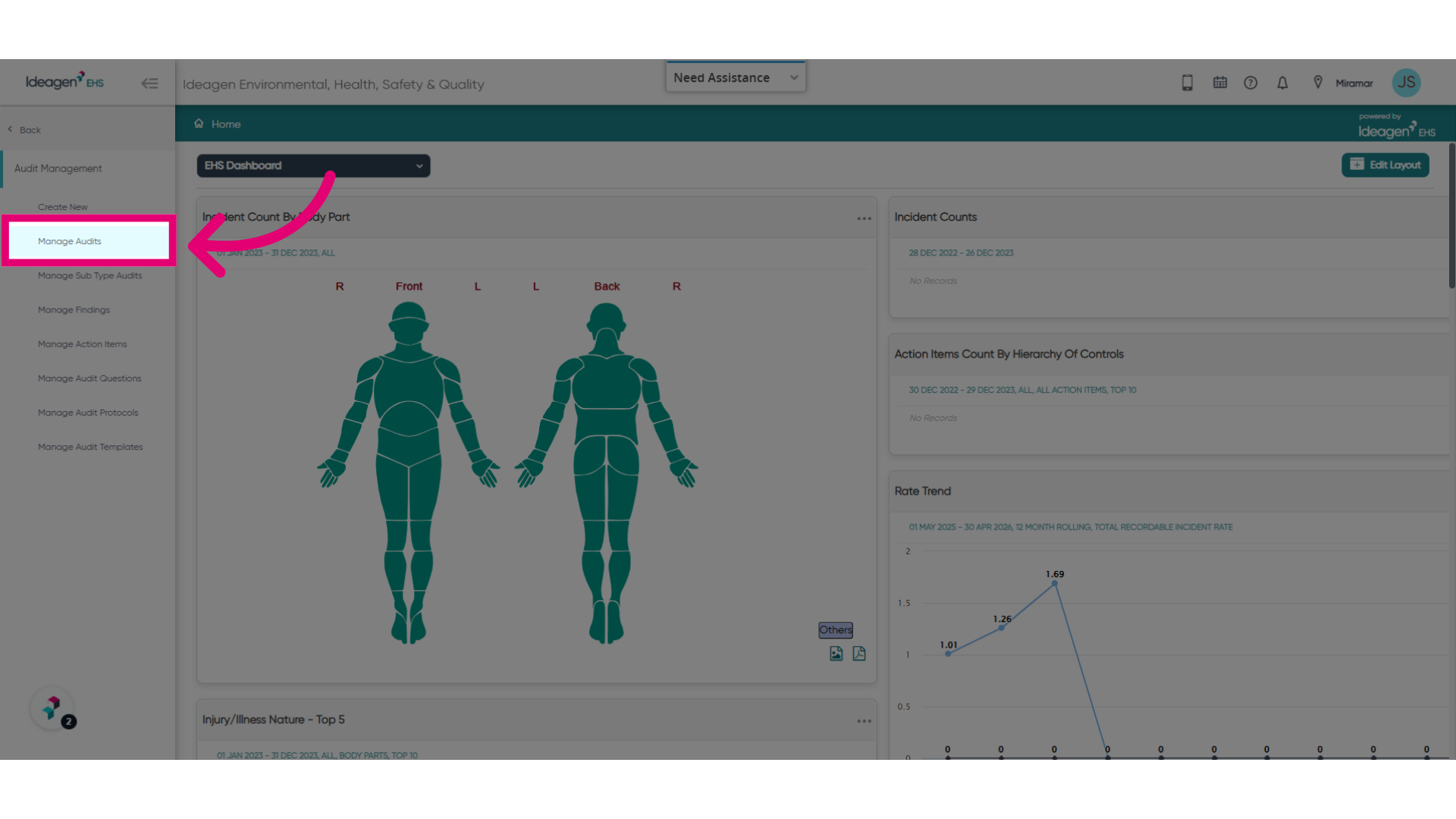
- Select Manage Audits.
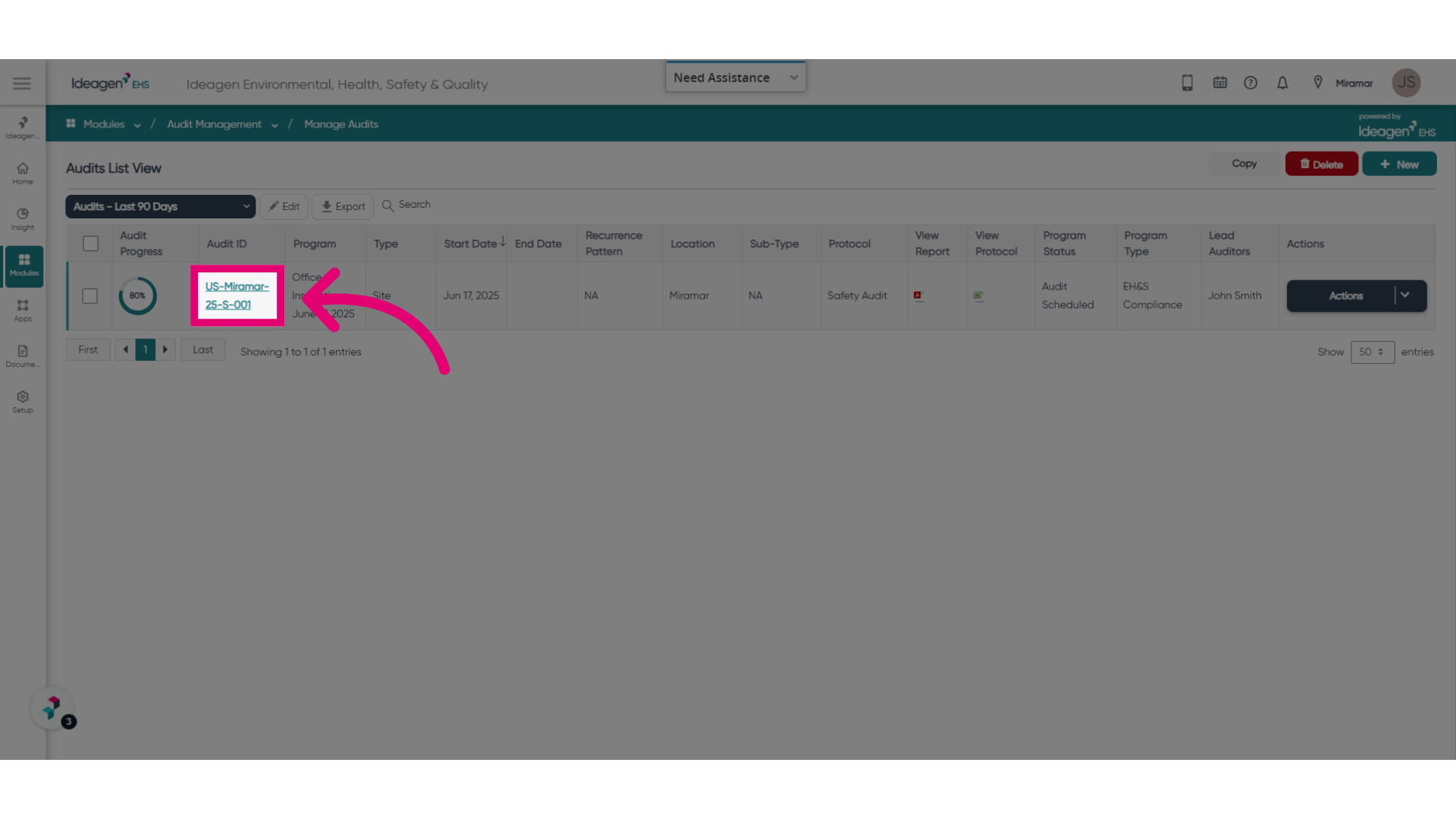
- Open an existing audit.
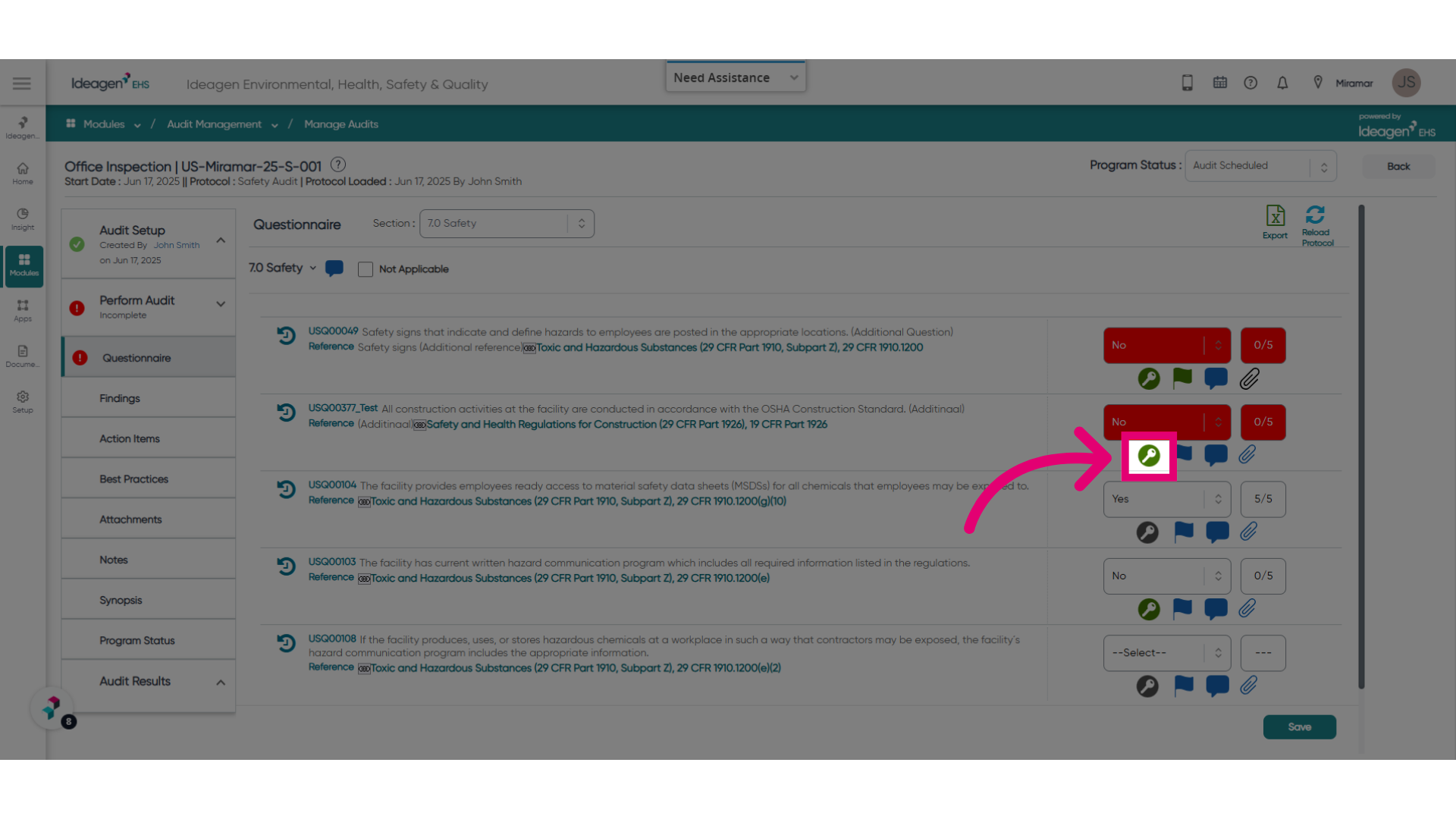
- Open the finding by clicking the Key icon.
- Scroll down to the Action Items section.
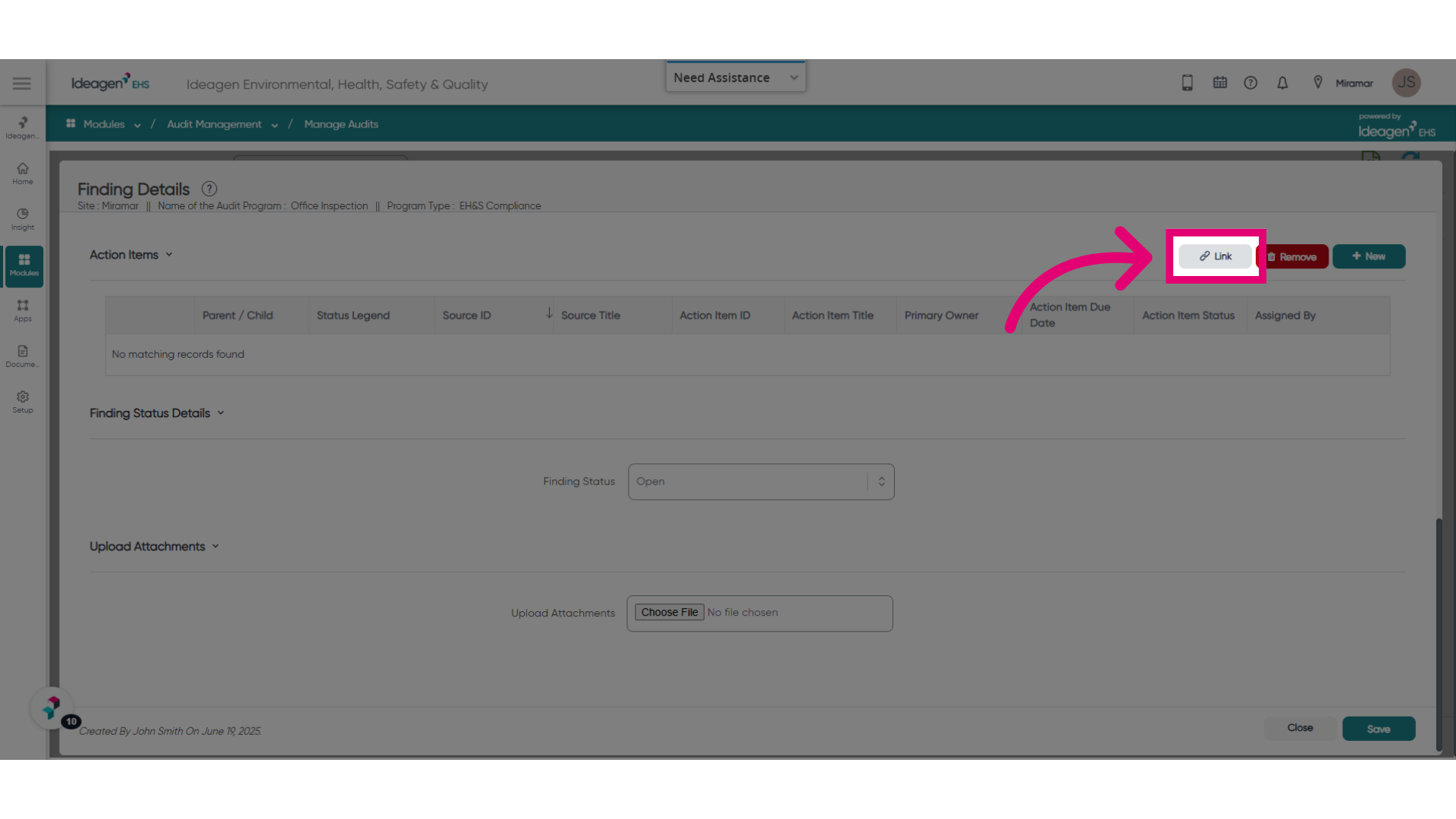
- Click Link.
- Tick the actions you want to assign to the finding.
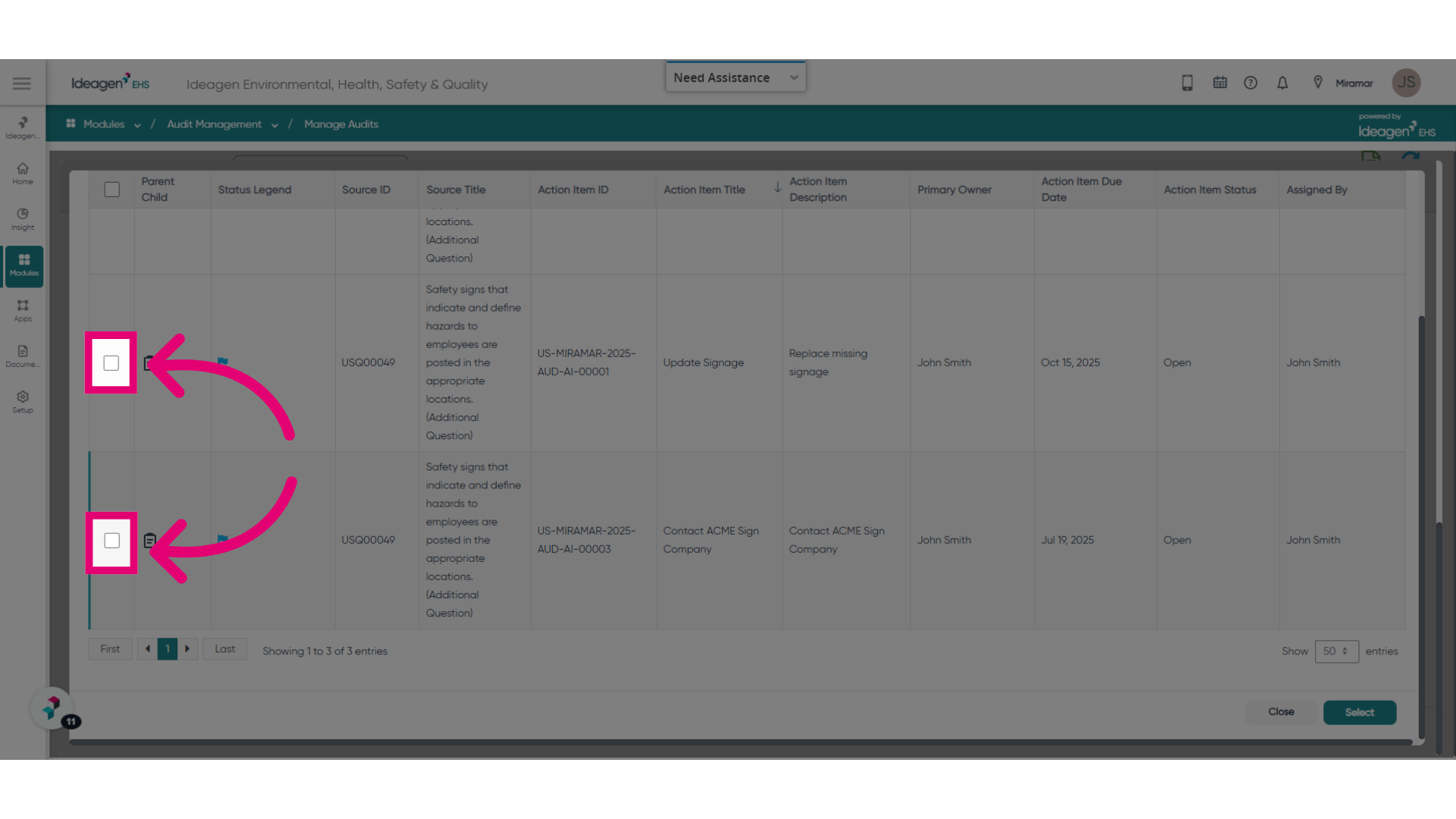
- Click Select.
You can see that the action item has now been assigned.
2. Viewing CAPA assignments
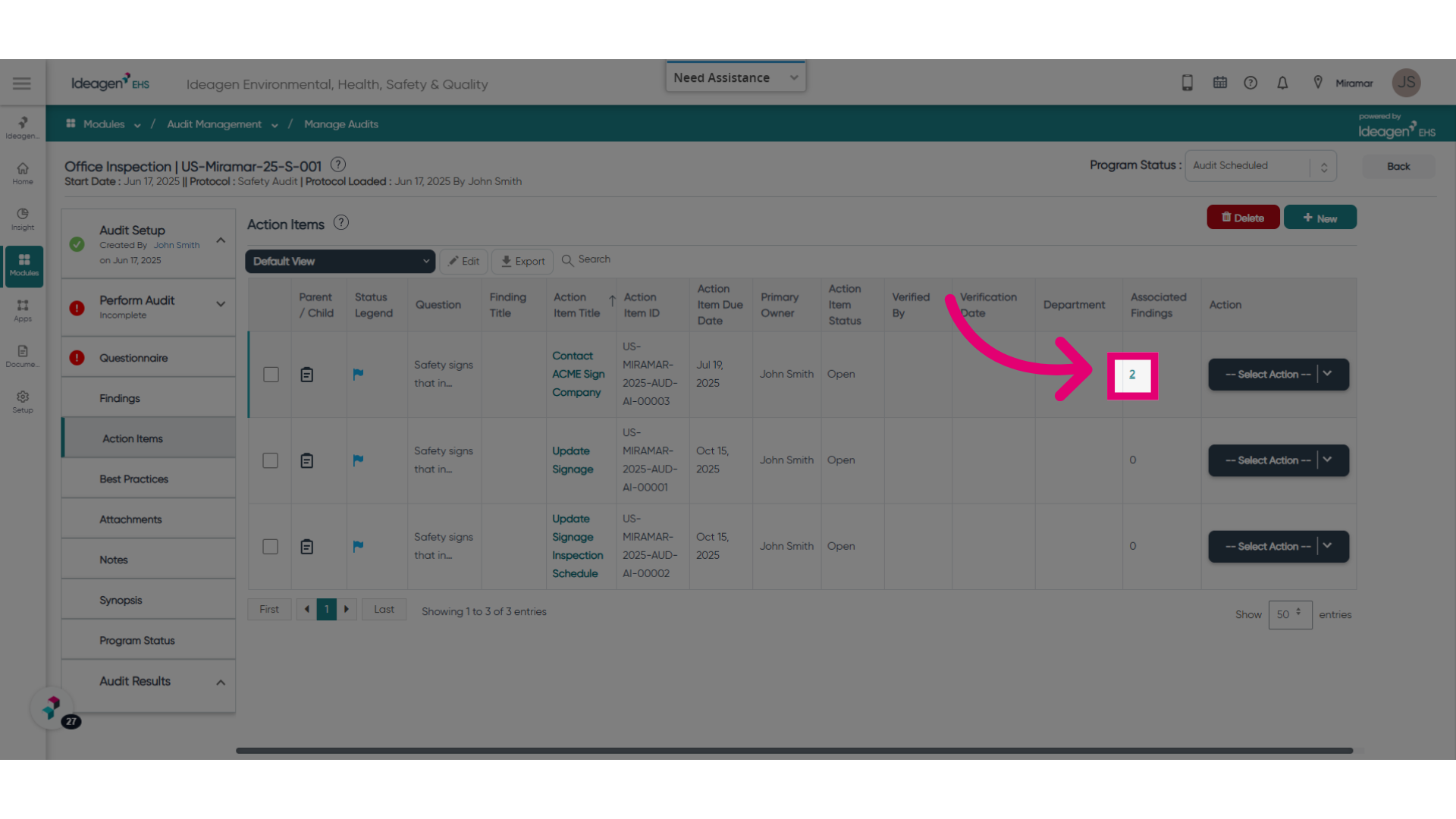
You can view all findings the action is linked to from the Action Items view.
To navigate to it:
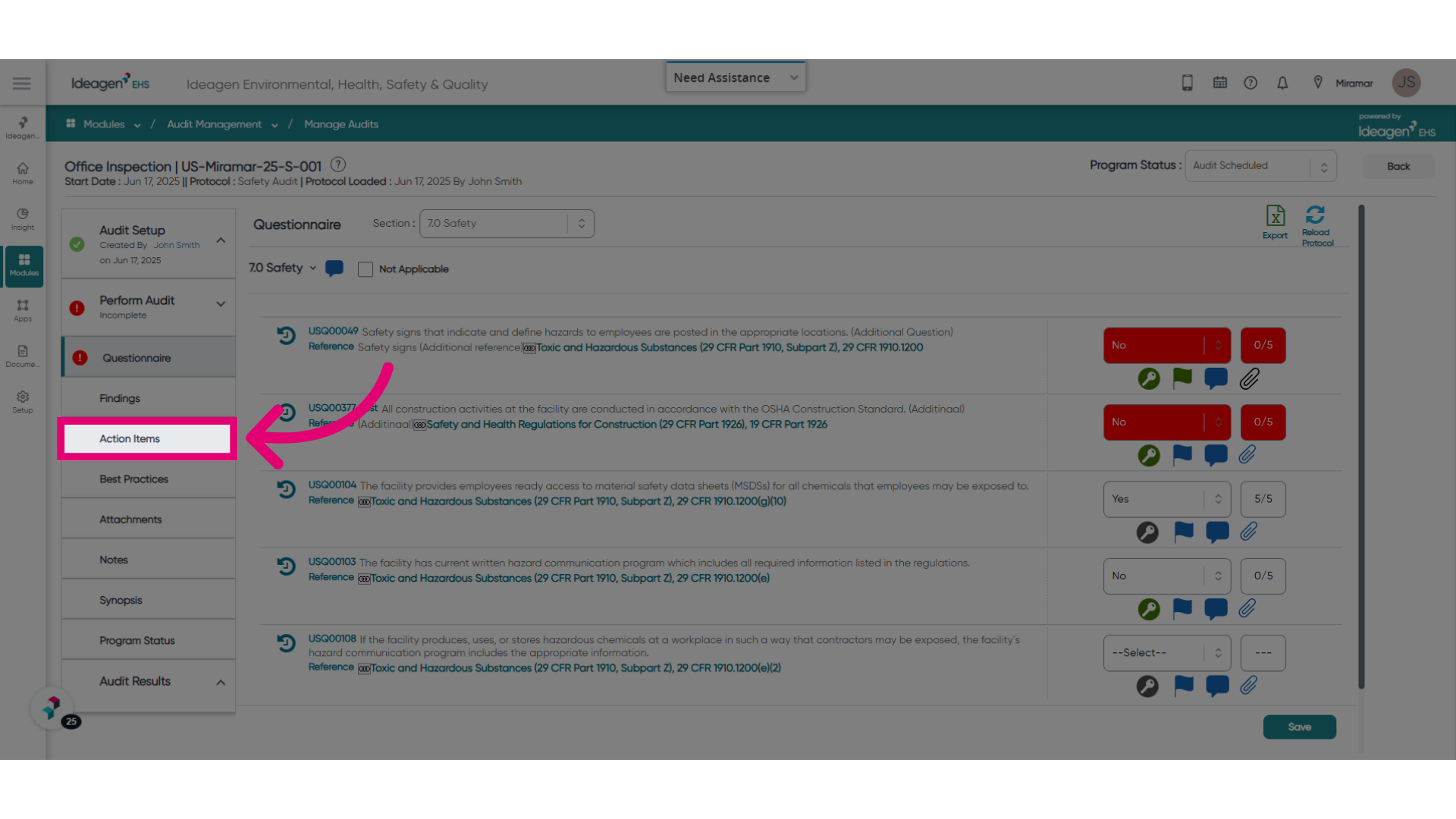
- Select Action Items from the list on the left.
- Click the counter to view associated findings.
- Check the list to see the findings the action item is linked to.