New article
Recently updated
26.5 Audit Management release notes

Who is this article for?
Auditors who want to learn about the new Audit Management release.
No elevated permissions are required.
Features
Exporting the audit questionnaire as a PDF
Existing system:
The checklist report is generated in Excel and does not print in the desired layout. It has many unwanted columns and details, so users have to edit it heavily before printing.
Purpose:
Let auditors and inspectors export the questionnaire for a protocol-based audit program as a PDF, to use as a supplementary tool alongside the checklist they already complete on desktop or mobile (online or offline). This gives them a paper-based option when a device is impractical, a backup reference during fieldwork, or a printable record to carry on site.
Enhanced system:
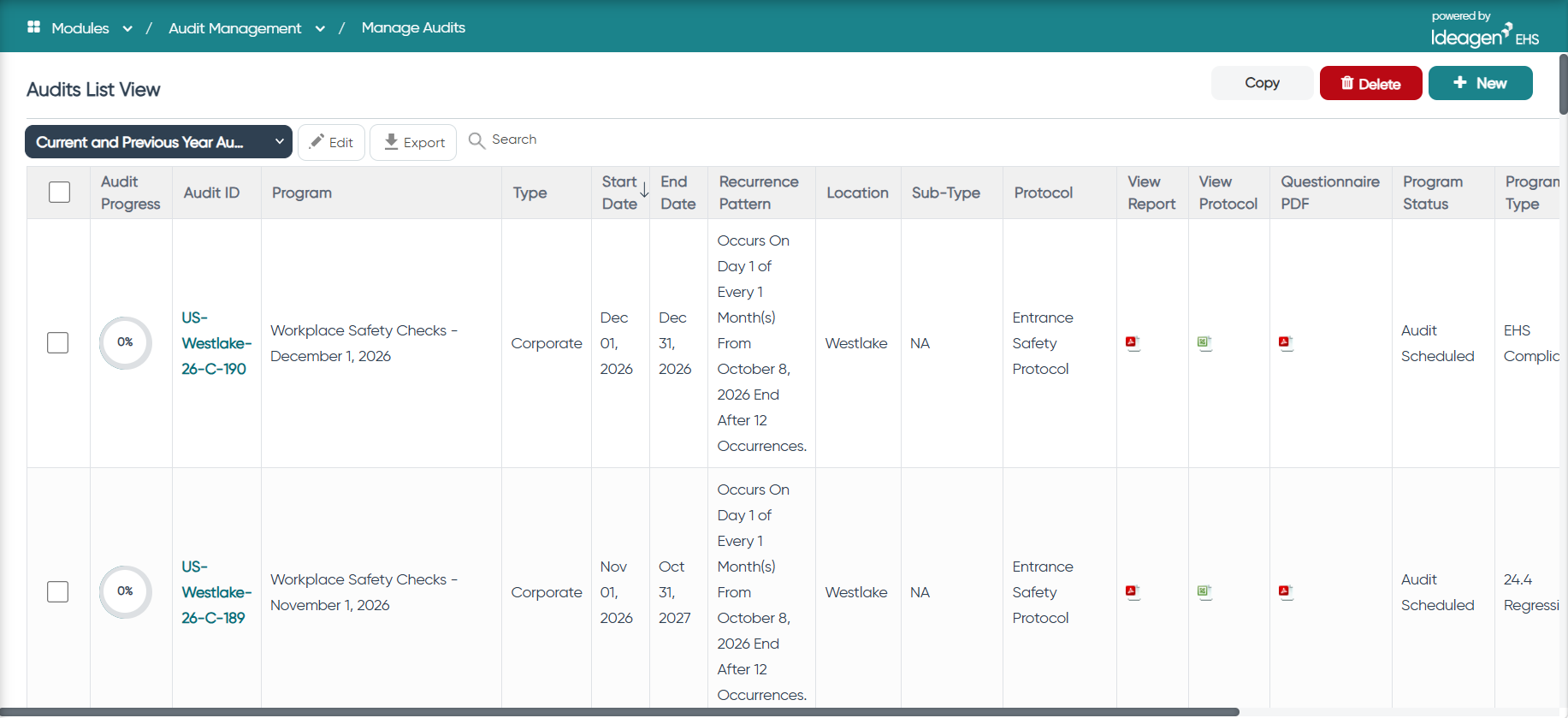
- A new "Questionnaire PDF" column in the audit programs list under Manage Audit Checklists lets users export the questionnaire for a protocol-based audit program as a print-ready PDF. It is available for Corporate, Site and Sub-Type programs, and the column is blank for non-protocol audits.
- The header shows the Program Name and Protocol Name. Below them are Program Start Date, Program End Date, Lead Auditor, Audit Team Members and location information.
- Questions appear in a table with these columns: Question ID, Question, Dependency, Response and Comments. Sections appear as group headers, not as a column.
- Questions come from the Audit Program Questionnaire, not the Protocol setup. Dependencies show as QuestionID=Answer. For Sub-Type audits, questions are not duplicated and no sub-type information is added.
- The Response column lists each possible response on its own row with an empty checkbox for marking by hand.
- Each page shows your organisation's logo in the header/footer and centred page numbers (for example, "Pg # 1").
- The layout is preserved when printed.
- The PDF is generated only for users with Audit Program view permission.